





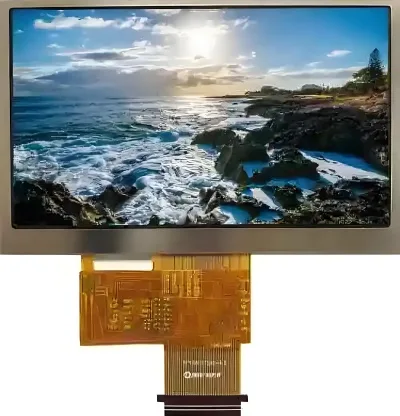

Core Conclusion: “Image Retention” Exists, but Not “Burn-in”
TFT LCD displays do not suffer from permanent, irreversible burn‑in like OLEDs do. However, they can exhibit a similar – and usually reversible – phenomenon called image retention (or “ghosting”).
In short, OLED “burn‑in” is permanent physical degradation of pixels, whereas TFT LCD “image retention” is more of a temporary “memory” effect of the liquid‑crystal molecules, and in most cases it will disappear.
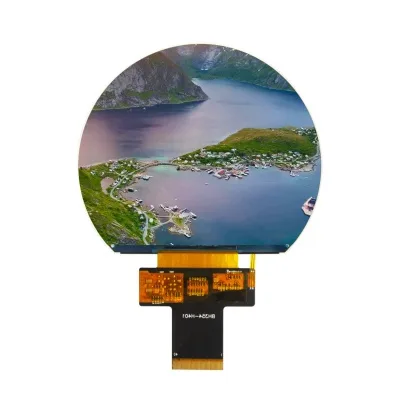
How It Happens: “Fatigue” of Liquid‑Crystal Molecules and Charge Residue
The root cause of image retention on TFT LCDs lies in the characteristics of the liquid‑crystal material and its driving method:
- Polarization and ion adsorption: Liquid‑crystal molecules are polar and need to be driven by alternating current (AC). However, no AC is perfectly symmetrical in practice. The tiny imbalance causes free ions inside the liquid‑crystal layer to migrate and accumulate on the electrodes.
- Formation of a built‑in electric field: These accumulated ions create a built‑in electric field, which is equivalent to applying an extra DC bias voltage to the liquid‑crystal molecules.
- “Memory” effect: When the image changes, this built‑in field prevents some of the liquid‑crystal molecules from returning to their normal state, so they “remember” their previous alignment angle. As a result, a faint outline of the previous image remains on the screen.
In addition, displaying high‑contrast static images for a long time (e.g., a black‑and‑white checkerboard) exacerbates this ion adsorption and uneven molecular alignment, making retention more noticeable. High ambient temperatures can also accelerate aging of the liquid‑crystal material, increasing the risk.
Prevention: Avoid Prolonged Static Display
Although TFT LCD image retention is mostly reversible, good usage habits can effectively prevent it:
- Avoid displaying static images for extended periods – This is the most important point. Try not to keep the same still image (e.g., desktop icons, navigation bars, dashboard interfaces) on the screen for more than 20 minutes to 2 hours.
- Enable screen savers or auto‑off – Set a screen saver that periodically changes the image, or use a timer to turn off the backlight or put the screen to sleep when no one is using it.
- Adjust screen brightness reasonably – Avoid running at 100% maximum brightness for long periods. For indoor use, setting brightness to 60%–80% helps reduce liquid‑crystal “fatigue”.
- Use dynamic content – If possible, let the screen display content that includes slight motion or periodic changes, for example by making UI elements shift by a few pixels from time to time.
What to Do If Image Retention Has Already Appeared
If you already notice image retention, you can try the following methods – it is usually reversible:
- Power off and let it rest – Completely cut power to the screen for several hours or even 48 hours. This allows the accumulated charge to dissipate and the liquid‑crystal molecules to recover.
- Display a moving white pattern – Play a full‑white image that moves across the screen for a few hours (you may even turn off the backlight), which helps “wash out” the residual image.
- Use repair software – You can try some online screen‑retention repair tools or videos that use rapidly changing colours and patterns to help eliminate the retention.
One thing to keep in mind: once image retention has occurred, it may become more likely to reappear in the future, so preventive measures are even more important afterwards.
In summary, the burn‑in risk of TFT LCDs is far lower than that of OLEDs, so you don’t need to worry too much. As long as you avoid leaving the same still image on the screen for too long, it will hardly cause you any trouble.