






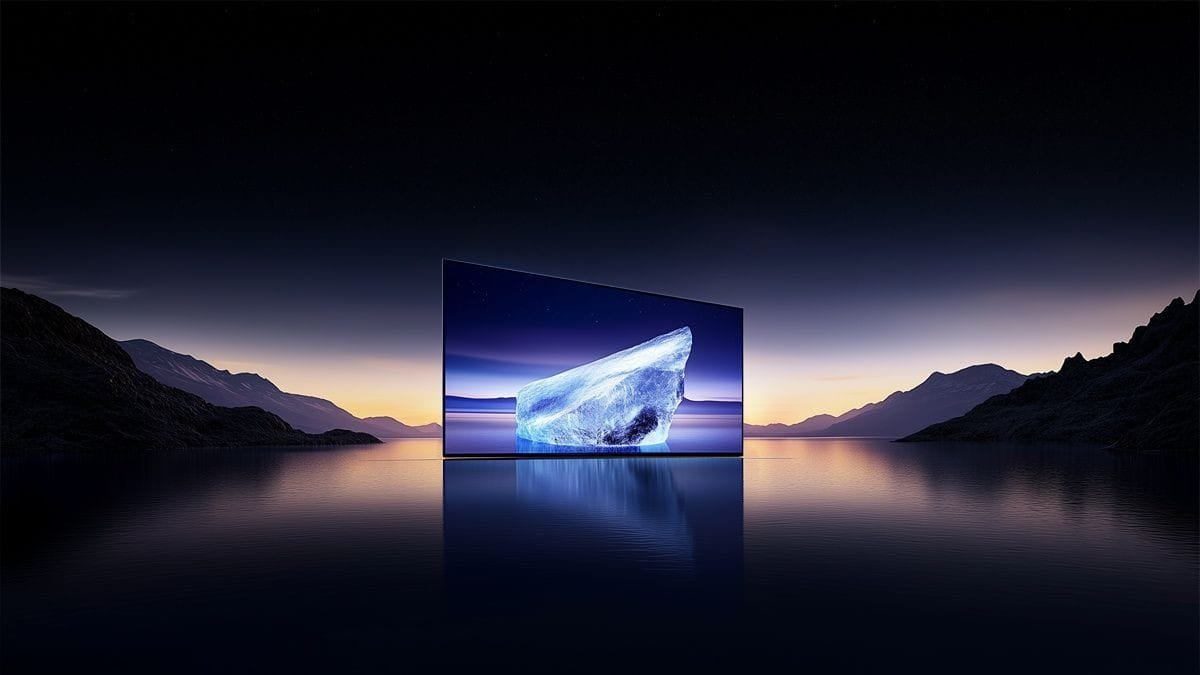

An OLED (Organic Light-Emitting Diode) display module is a self-illuminating, flat-panel display technology constructed by sandwiching a series of organic thin films between two conductors. Unlike traditional LCDs that require a separate backlight, each pixel in an OLED module emits its own light when an electric current is applied. This fundamental difference enables superior image quality, including perfect blacks, high contrast, and wide viewing angles. An “OLED display module” typically refers to the complete, integrated unit ready for engineers and product designers to incorporate into devices, often including the OLED panel itself, the driver circuitry, a controller, and sometimes a simple interface like I2C or SPI.
Introduction to OLED Display Module Technology
At its core, an OLED display module leverages organic compounds—carbon-based materials—that emit light in response to electricity. These modules are known for their thin, lightweight, and flexible form factors. They are available in various types, including passive-matrix (PMOLED) and the more common active-matrix (AMOLED). PMOLED is simpler and cost-effective for small screens (like wearable devices), while AMOLED, which uses a thin-film transistor (TFT) backplane, is ideal for larger, high-performance displays in smartphones and TVs.
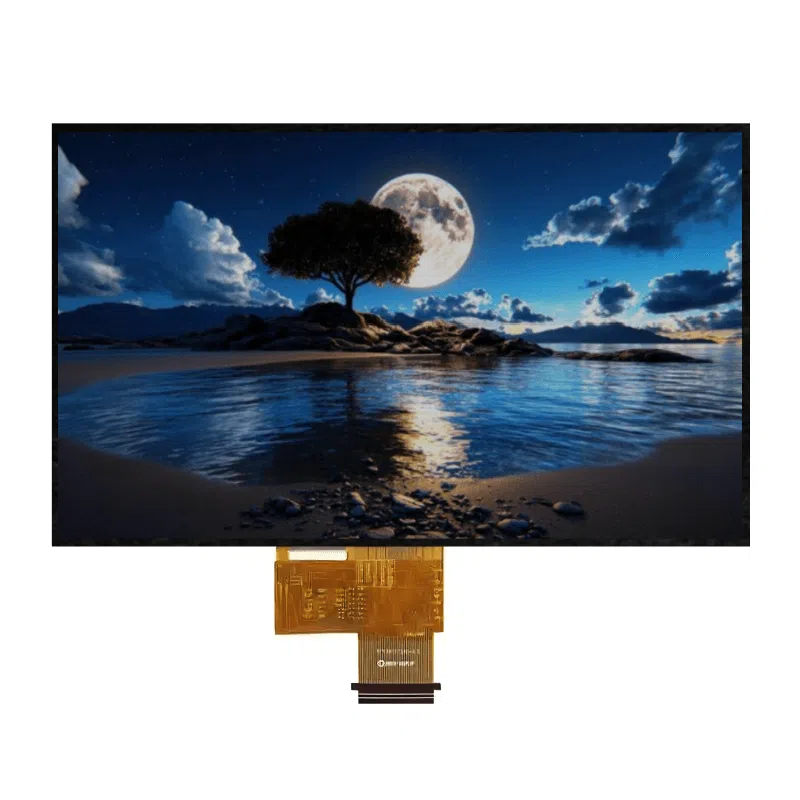
How Does an OLED Display Module Work?
The working principle is elegantly simple:
- Structure: The basic structure consists of an anode, a cathode, and organic layers in between (including an emissive layer and a conductive layer).
- Current Flow: When voltage is applied, the anode injects positive charges (holes), and the cathode injects negative charges (electrons) into the organic layers.
- Light Emission: These charges meet in the emissive layer, combining to form excitons (excited energy states). As these excitons return to their ground state, they release energy in the form of photons—light. The color of the light depends on the specific organic material used. Red, green, and blue sub-pixels are combined to create full-color images.
- Pixel Control: By precisely controlling the current for each individual pixel, the module can vary its brightness or turn it off completely.
Advantages and Disadvantages of OLED Modules
Pros:
- Perfect Blacks & Infinite Contrast: Pixels can be turned off completely, achieving true black and a theoretically infinite contrast ratio.
- Fast Response Time: Extremely fast pixel switching (microseconds) eliminates motion blur, ideal for fast-moving content.
- Wide Viewing Angles: Color and brightness remain consistent even at sharp viewing angles (up to 84 degrees).
- Thin & Flexible Design: No backlight allows for incredibly thin, curved, or even rollable displays.
- Better Color Gamut: Capable of reproducing vibrant and more accurate colors.
- Energy Efficiency: Dark mode interfaces consume less power as black pixels are off.
Cons:
- Risk of Burn-In: Static images displayed for prolonged periods can cause permanent ghosting or “burn-in.”
- Limited Lifespan: Organic materials degrade over time, with blue OLEDs having a shorter lifespan than red and green.
- Higher Cost: Manufacturing is generally more expensive than LCD, especially for larger sizes.
- Brightness: While improving, peak brightness in direct sunlight can sometimes lag behind the best LCD/LED-backlit displays.
Applications of OLED Display Modules
OLED technology has permeated numerous industries due to its superior visual performance and form factor flexibility:
- Consumer Electronics: High-end smartphones, tablets, smartwatches, and VR/AR headsets.
- Televisions & Monitors: Premium TVs and professional-grade monitors for content creation and gaming.
- Automotive: Digital dashboards, infotainment systems, and futuristic lighting.
- Industrial & Medical: Portable diagnostic equipment and control panels where readability and reliability are critical.
- Emerging Tech: Flexible and foldable devices, transparent displays, and micro-displays.
How to Choose an OLED Display Module?
Selecting the right module depends on your application’s requirements:
- Type: Choose PMOLED for simple, small (<3″), monochrome/graphic displays. Choose AMOLED for full-color, video-capable, or larger displays.
- Size & Resolution: Match the physical size and pixel density (PPI) to your needs for clarity and detail.
- Interface: Common interfaces include I2C and SPI (simple, for microcontrollers) and Parallel RGB or MIPI DSI (for high-speed, complex systems like SBCs).
- Color & Brightness: Decide between monochrome, grayscale, or full-color. Check nit ratings for ambient lighting conditions.
- Power Consumption: Critical for battery-powered devices. OLED’s power draw is image-dependent.
- Supplier & Support: Consider reliability, documentation, driver availability, and technical support.
Reference series:0.66-3.22 inch OLED display module
OLED vs. LCD Display Modules: A Comparison
| Feature | OLED Display Module | LCD Display Module (with LED Backlight) |
|---|---|---|
| Light Source | Self-Emissive (Pixels create own light) | Requires Backlight (Separate LED array) |
| Black Level | Perfect Black (Pixel turns off) | Grayish Black (Backlight is always on) |
| Contrast Ratio | Theoretically Infinite | Limited (typically 1000:1 to 3000:1) |
| Response Time | Extremely Fast (~0.1 ms) | Slower (1-5 ms, can cause motion blur) |
| Viewing Angles | Excellent (up to 84°) | Good (can degrade at angles) |
| Color Gamut | Wider, more vibrant | Good (depends on backlight tech) |
| Form Factor | Very Thin, Flexible possible | Thicker, Rigid |
| Power Consumption | Content-Dependent (saves power on dark images) | Constant (backlight always draws power) |
| Lifespan | Shorter (organic material degradation) | Longer (mature technology) |
| Cost | Generally Higher | Generally Lower |
| Risk of Burn-In | Yes (for static content) | No |
Conclusion
OLED display modules represent a significant leap forward in visual display technology. Their self-emissive nature unlocks unparalleled picture quality with perfect blacks, stunning contrast, and vibrant colors, all within incredibly slim and potentially flexible designs. While considerations like potential burn-in, longevity, and cost remain, their advantages make them the preferred choice for high-end consumer devices, automotive interfaces, and innovative form factors. As manufacturing processes improve and costs decrease, we can expect OLED modules to continue displacing LCDs in an ever-widening array of applications, shaping the future of how we interact with digital information.
FAQ (Frequently Asked Questions)
1. What does “OLED” stand for?
OLED stands for Organic Light-Emitting Diode. It refers to the carbon-based organic materials that emit light when electricity is applied.
2. What is the main difference between OLED and LED displays?
This is a common point of confusion. “LED TV” typically refers to an LCD screen that uses LEDs as its backlight. An OLED screen has no backlight; each pixel is its own tiny, independent light source.
3. Do OLED displays really suffer from screen burn-in?
Yes, it is a potential issue. If a static image (like a logo, navigation bar, or scoreboard) is displayed at high brightness for very long periods, it can cause permanent image retention or “burn-in.” Modern OLEDs use pixel shifting and other software techniques to mitigate this risk.
4. Are OLED displays better for your eyes than LCD?
It’s nuanced. OLEDs eliminate the backlight flicker common in some LCDs and offer better contrast, which can reduce eye strain in low light. However, the high contrast and saturated colors for prolonged use might be intense for some individuals. Features like PWM dimming can also affect sensitive users.
5. Can OLED display modules be used outdoors?
Yes, but with considerations. High-brightness OLED modules are available for outdoor use. The key is selecting a module with a high enough nit (brightness) rating to overcome sunlight glare, as OLEDs can struggle with reflectivity compared to some transflective LCDs.