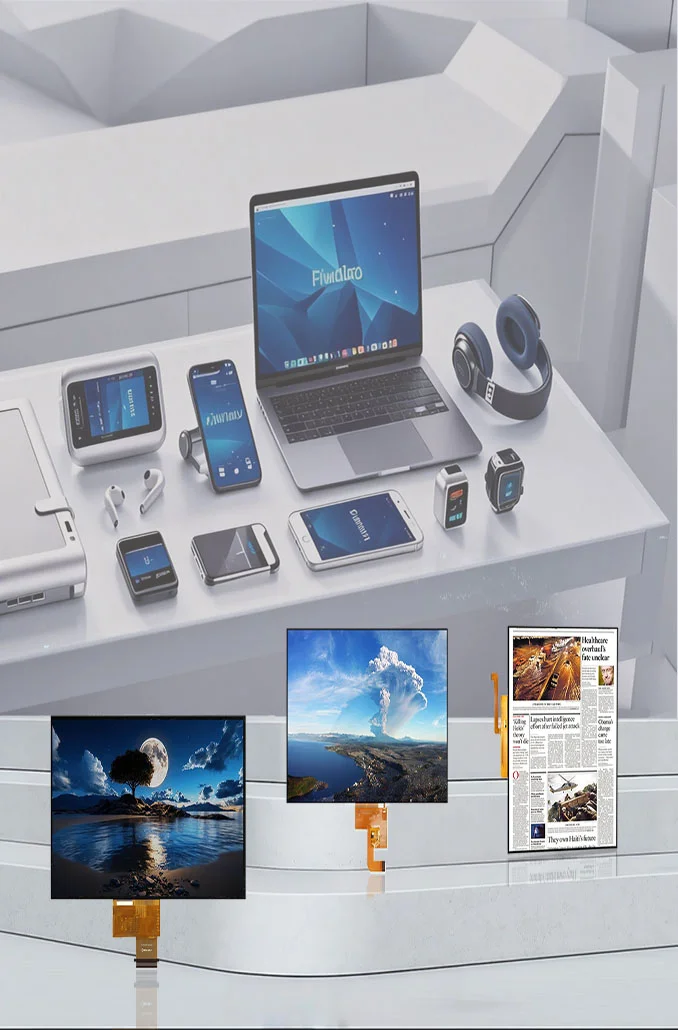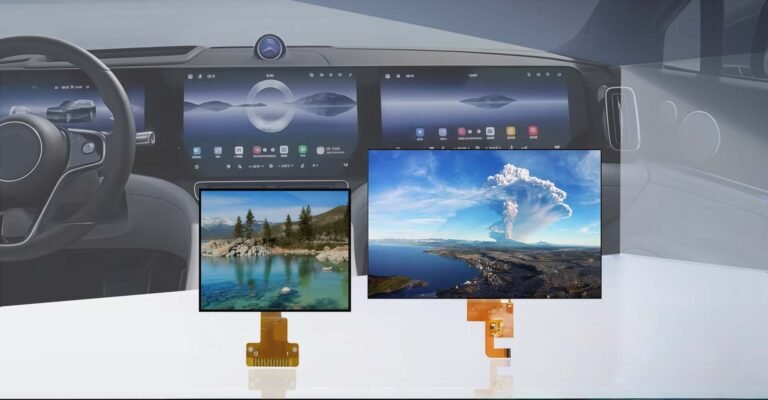





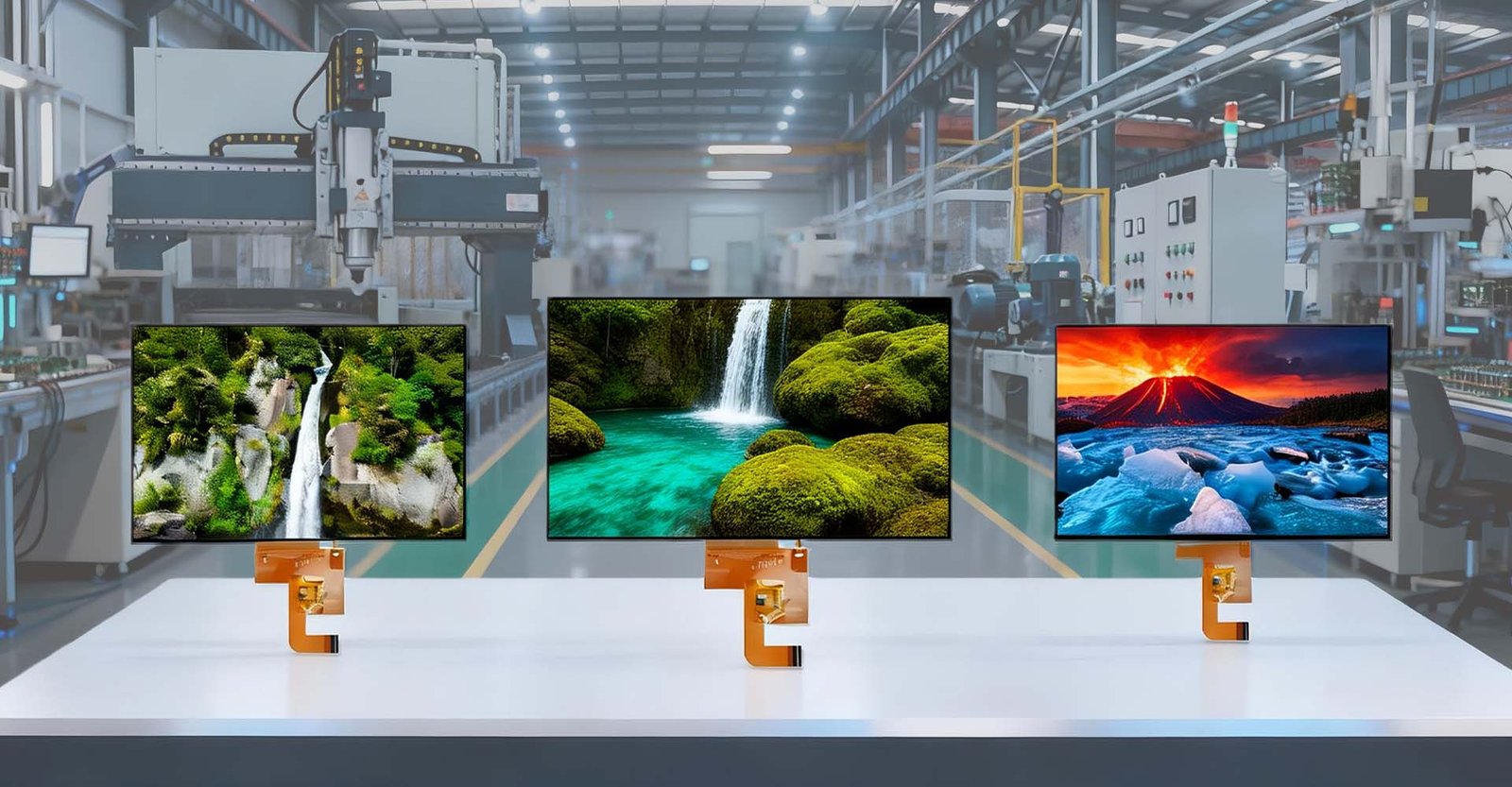

A 10.1-inch TFT LCD display refers to a Thin-Film Transistor Liquid Crystal Display panel with a diagonal screen measurement of 10.1 inches, typically featuring a widescreen aspect ratio of 16:10 and a standard resolution of 1280×800 (WXGA), though higher resolutions like 1920×1200 (WUXGA) are increasingly common in professional applications. This specific size has become an industry “sweet spot,” offering a substantial viewing area comparable to a sheet of A4 paper while maintaining a compact form factor suitable for embedded systems, portable medical devices, industrial control panels, and automotive infotainment systems. Unlike passive matrix displays, the TFT technology ensures active pixel control, delivering superior color saturation, faster response times, and wider viewing angles, which are critical for dynamic user interfaces in demanding environments.
The Engineering Behind the 10.1-Inch Form Factor
In the realm of embedded display engineering, the 10.1-inch specification is not arbitrary; it represents a calculated balance between real estate and integration feasibility. Having worked extensively with panel integration for industrial IoT and medical telemetry units, I’ve observed that the 10.1-inch class often utilizes IPS (In-Plane Switching) technology to guarantee viewing angles of 85/85/85/85 degrees (or better), ensuring legibility from off-axis positions—a non-negotiable requirement in cockpit or operating room scenarios.
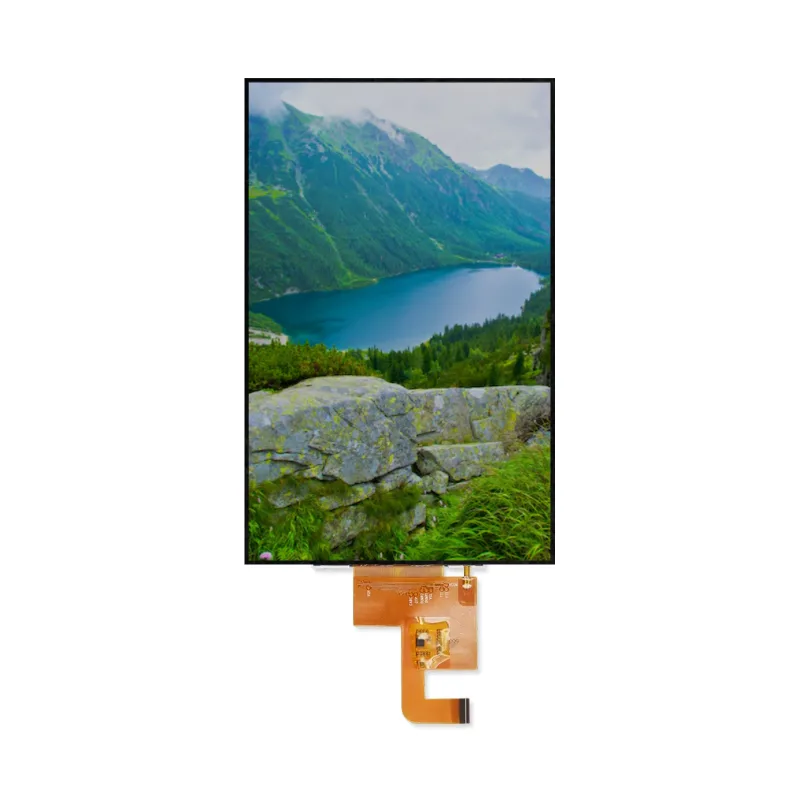
The physical dimensions typically hover around 229.46 mm (width) x 149.10 mm (height), with a slim profile often under 5mm thickness depending on the backlight unit and cover glass configuration. This footprint allows designers to maximize the Active Area (AA) while fitting into standard VESA mounts or custom enclosures designed for DIN rail or panel-mount installations.
Core Technical Specifications
When evaluating a 10.1-inch TFT module, whether from a tier-1 manufacturer like ジックテック, Innolux, BOE, or specialized integrators, several parameters dictate performance beyond mere size. The following table outlines the typical specifications found in high-quality industrial-grade 10.1-inch panels, such as those referenced in professional product lines:
| パラメータ | Typical Specification | Notes & Engineering Context |
|---|---|---|
| Diagonal Size | 10.1 inches | Measured corner-to-corner of the Active Area. |
| Aspect Ratio | 16:10 | Ideal for displaying documents, web content, and split-screen HMIs. |
| 決議 | 1280 × 800 (WXGA) Optional: 1920 × 1200 (WUXGA) | 1280×800 yields ~149 PPI; 1920×1200 yields ~224 PPI for sharper text. |
| ピクセルピッチ | ~0.1695 mm (for WXGA) | Determines sharpness; smaller pitch requires higher driving voltage/speed. |
| アクティブ・エリア(AA) | 222.72 × 139.20 mm | The actual visible image area; critical for optical design. |
| 外形寸法 | ~229.5 × 149.1 × 4.5 mm | Varies slightly by manufacturer; includes bezel and driver PCB. |
| 明るさ | 400 ~ 500 nits (Standard) 800 ~ 1200 nits (High Bright) | Standard for indoor; >800 nits required for sunlight readability. |
| コントラスト比 | 800:1 (Typical IPS) | Higher ratios (1000:1+) improve black levels and image depth. |
| 視野角 | 85/85/85/85 (L/R/U/D) | IPS technology ensures consistent color at extreme angles. |
| 応答時間 | 25ms (Typical) Fast: <10ms | Critical for video playback or fast-moving HMI elements. |
| 色の濃さ | 16.7M (24-bit) or 262K (18-bit) | 24-bit offers smoother gradients; essential for medical imaging. |
| インターフェース・タイプ | LVDS (1 or 2 channels) MIPI DSI (4 lanes) RGB/TTL | LVDS for industrial noise immunity; MIPI for mobile/low power. |
| Backlight Life | 30,000 ~ 50,000 hours | Time until brightness drops to 50% of initial value. |
| 動作温度 | -20°C to +70°C (Standard) -30°C to +85°C (Wide) | Industrial grade requires specialized liquid crystal fluids. |
| Storage Temp | -30°C to +80°C | Limits for non-operational storage conditions. |
| Touch Option | Projected Capacitive (PCAP) Resistive | PCAP for multi-touch/glass; Resistive for glove/stylus use. |
Note: Specific values may vary depending on the manufacturer (e.g., Jictech, Innolux, AUO, BOE) and the specific model series. Always consult the datasheet for exact tolerances.
Applications: Where 10.1 Inches Shines
The versatility of the 10.1-inch format is evident across diverse sectors. In industrial automation, these screens serve as the primary interface for PLCs and CNC machines, displaying complex schematics and real-time data logs. The screen real estate allows for split-screen views—showing a live camera feed alongside control parameters—without feeling cramped.
In the medical field, 10.1-inch displays are integrated into patient monitors, portable ultrasound carts, and infusion pumps. Here, color accuracy and reliability are critical. Many medical-grade modules feature anti-glare coatings and antimicrobial bezels to meet strict hygiene standards.
について automotive sector utilizes these displays for rear-seat entertainment, digital dashboards in commercial trucks, and navigation units. The ruggedness of the panel, combined with high brightness for daylight readability, makes it a preferred choice over consumer-grade tablet screens which often fail under vibration and temperature cycling.
Furthermore, in smart home and building automation, a 10.1-inch wall-mounted panel acts as a central hub, controlling lighting, HVAC, and security systems. The size is large enough to display floor plans clearly yet small enough to remain unobtrusive in a hallway or living room.
Pros and Cons: A Comparative Analysis
To provide a clear perspective for system architects and procurement specialists, here is a breakdown of the advantages and limitations inherent to 10.1-inch TFT LCD technology.
| 特徴 | Advantages | Limitations / Considerations |
|---|---|---|
| Viewing Experience | Excellent balance of screen real estate and portability; 16:10 ratio is ideal for documents and web content. | Larger than 7″ or 8″ alternatives, requiring more bezel space and deeper mounting depth. |
| Resolution Options | Wide availability of WXGA (1280×800) and WUXGA (1920×1200); sharp text rendering. | Higher resolution models demand more GPU processing power and bandwidth (especially over MIPI). |
| Integration | Mature ecosystem with standard LVDS/MIPI interfaces; extensive driver support for Linux/Android/Windows. | RGB interface models can require complex timing configurations on MCU-based systems. |
| 耐久性 | Industrial grades available with wide temp ranges (-20°C to +70°C) and high shock/vibration resistance. | Standard commercial panels may suffer from slow response or image retention in extreme cold/heat. |
| Cost Efficiency | Economies of scale make 1280×800 panels very cost-effective for mass production. | Customizations (high brightness, specific touch sensors, sun-readable bonding) significantly increase unit cost. |
| タッチ機能 | Supports both Projected Capacitive (PCAP) for multi-touch and Resistive for glove/stylus use. | PCAP may require calibration or specific drivers for noisy industrial environments; Resistive limits to single-touch. |
How to Choose the Right 10.1-Inch Display Module
Selecting the appropriate 10.1-inch display is rarely about picking the cheapest option; it’s about matching the panel’s capabilities to the environmental and functional demands of your product. Based on my experience guiding hardware teams through component selection, here is a strategic approach:
- Define the Environment First: Will the device sit in an air-conditioned server room or on a dashboard in direct sunlight? If the latter, prioritize brightness (>800 nits) and consider optical bonding to reduce internal reflections. If the environment involves extreme cold, verify the liquid crystal’s response time at low temperatures to avoid “smearing.”
- インターフェース互換性: Check your main processor’s output capabilities. If you are using a high-end ARM SoC, MIPI DSI is likely the best route for power efficiency and speed. For legacy industrial PCs or FPGA-based controllers, LVDS remains the gold standard for reliability. Don’t forget to check the pinout definition (e.g., 40-pin FPC pitch) early in the mechanical design phase.
- Touch Technology Decision: Do your users wear gloves? If yes, a resistive touchscreen or a capacitive screen with “glove mode” sensitivity is mandatory. For consumer-facing kiosks requiring gestures like pinch-to-zoom, a multi-touch projected capacitive (PCAP) panel with a hardened glass cover (6H or higher) is essential.
- Long-Term Availability: Industrial products often have lifecycles spanning 5–10 years. Verify the manufacturer’s commitment to the specific panel model. Avoid consumer-grade panels that might be discontinued in 18 months, forcing a costly redesign. Look for suppliers who guarantee long-term supply or offer form-fit-function replacements.
- Customization Needs: Sometimes off-the-shelf isn’t enough. You might need a custom brightness curve, a specific connector orientation, or a branded cover lens. Engage with manufacturers who offer flexible customization services without prohibitive MOQs (Minimum Order Quantities).
結論
The 10.1-inch TFT LCD display is more than just a component; it is a critical enabler of user interaction in modern electronics. Its dominance stems from a perfect storm of ergonomic suitability, technical maturity, and manufacturing scalability. Whether you are designing a life-saving medical monitor or a ruggedized tablet for field technicians, understanding the nuances of resolution, interface, and environmental hardening is key to success. By carefully selecting a panel that aligns with your specific operational constraints, you ensure not only the functionality of your device but also its longevity and reliability in the field.
よくある質問(FAQ)
IPS (In-Plane Switching) panels offer significantly wider viewing angles (typically 85 degrees in all directions) and superior color reproduction compared to TN (Twisted Nematic) panels. In a 10.1-inch application, IPS is preferred for professional use where the screen might be viewed from the side, whereas TN panels are cheaper but suffer from color shifting and poor visibility at off-angles.
Yes, but with caveats. An 8-bit Arduino Uno cannot drive a 1280×800 resolution screen effectively due to memory and speed limitations. However, high-performance MCUs like the STM32H7 series with dedicated LTDC (LCD-TFT Display Controller) peripherals can drive 10.1-inch screens via RGB or SPI interfaces, especially at lower resolutions or with frame buffer optimization. For full WXGA resolution, an MPU (Microprocessor Unit) running Linux or Android is generally recommended.
LVDS stands for Low-Voltage Differential Signaling. It is a standard interface used to transmit video data from a controller board to the LCD panel. It uses differential pairs to send data, which makes it highly resistant to electromagnetic interference (EMI). This makes LVDS the preferred choice for industrial and automotive 10.1-inch displays where long cable runs and noisy electrical environments are common.
Absolutely. Standard indoor panels usually have brightness around 400-500 nits, which is insufficient for direct sunlight. Sunlight-readable 10.1-inch modules are available with brightness levels ranging from 800 to 1500+ nits. These often incorporate anti-reflective coatings and optical bonding (filling the air gap between the touch sensor and the LCD with resin) to minimize glare and improve contrast outdoors.
You need to check three key dimensional drawings: the アクティブ・エリア(AA) (the visible image part), the 外形寸法 (the total physical size including the bezel), and the Mounting Hole pattern. Additionally, verify the thickness and the location of the FPC connector (e.g., bottom, left, right), as a connector sticking out the wrong side can prevent installation in a tight chassis. Always request the mechanical datasheet before finalizing your design.