






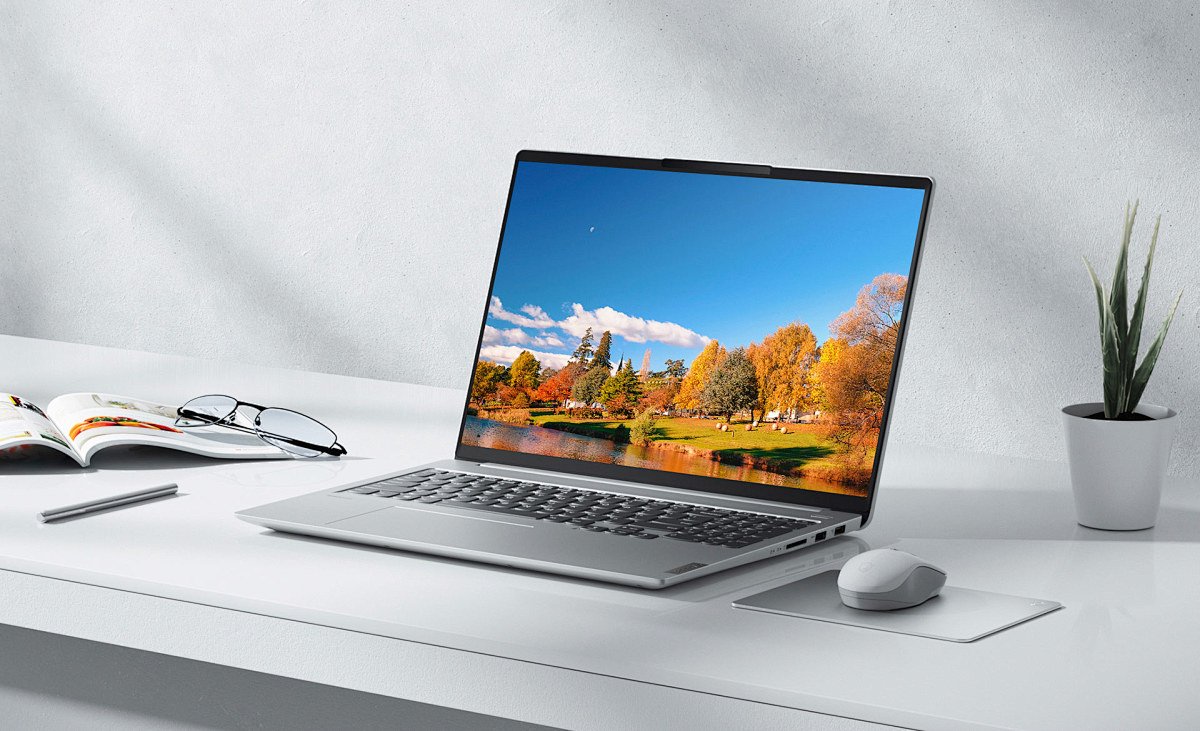

直接的な答えをお探しなら: ほとんどのユーザーにとって、IPS LCDは総合的に最も優れたノートパソコンのディスプレイタイプである。, 一方 有機ELは画質において最高, そして TNは、予算内で超高速ゲームを楽しむようなニッチなユースケースにのみ適している。. .生産性、コンテンツ制作、ゲーム、エンターテインメントなど、用途によって「最適」なディスプレイは異なる。.
ノートパソコンのディスプレイとは?
ノートパソコンのディスプレイは、デジタル信号を目に見える画像に変換する主要な視覚出力部品です。単なる「スクリーン」ではなく、光学、電子工学、材料工学を組み合わせたレイヤーシステムなのだ。.
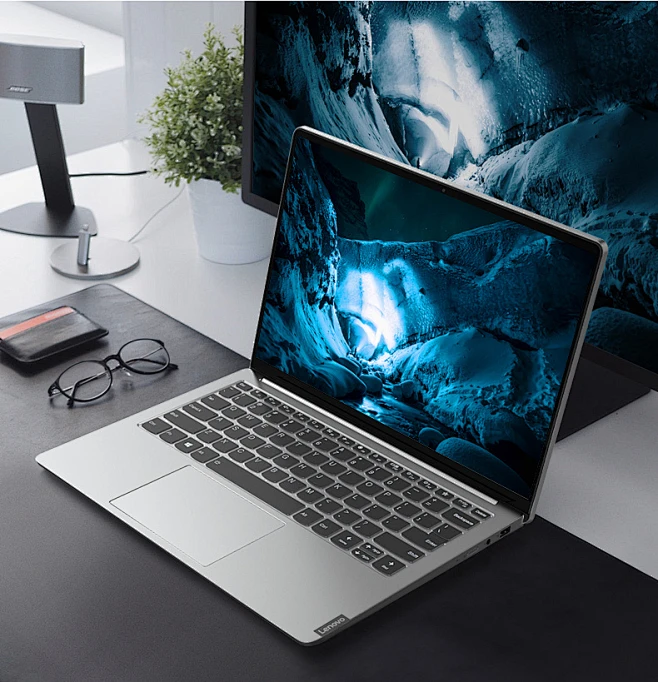
ノートパソコン用ディスプレイのコア・コンポーネント
- パネル液晶ディスプレイ またはOLED層) - 画像を生成する
- バックライト(LCDのみ) - 照明(LEDベース)
- カラーフィルター - RGBサブピクセルの作成
- 偏光板 - 光の方向を制御する
- ドライバIC(TCON) - ピクセル信号を管理する
- ガラス基板 - 構造サポート
- 保護層/カバーガラス - 耐久性とタッチサポート
ノートパソコンのディスプレイの主な仕様(代表的な範囲)
| パラメータ | 典型的な範囲 | その意味 |
|---|---|---|
| 画面サイズ | 11″ - 17.3″ | 物理的対角サイズ |
| 決議 | HD (1366×768) → 4K (3840×2160) | 画素数 |
| ピクセル密度(PPI) | 100 - 300+ | シャープネス |
| リフレッシュ・レート | 60Hz - 240Hz | 滑らかさ |
| 明るさ | 250~600ニット以上 | スクリーン輝度 |
| コントラスト比 | 800:1 - ∞(有機EL) | 黒と白の違い |
| 色域 | 45% ntsc → 100% dci-p3 | カラーカバレッジ |
| 応答時間 | 1ms - 25ms | ピクセル切り替え速度 |
| パネルタイプ | TN / ips / Oled / VA | ディスプレイ技術 |
ノートパソコンのディスプレイの種類について
1. IPS (インプレーン・スイッチング)
総合的なベストチョイス
- 広視野角(~178度)
- 正確な色
- 安定した明るさ
長所
- デザイン、オフィス、一般使用に最適
- バランスの取れたパフォーマンス
短所
- 適度なコントラスト
- TNより若干高い
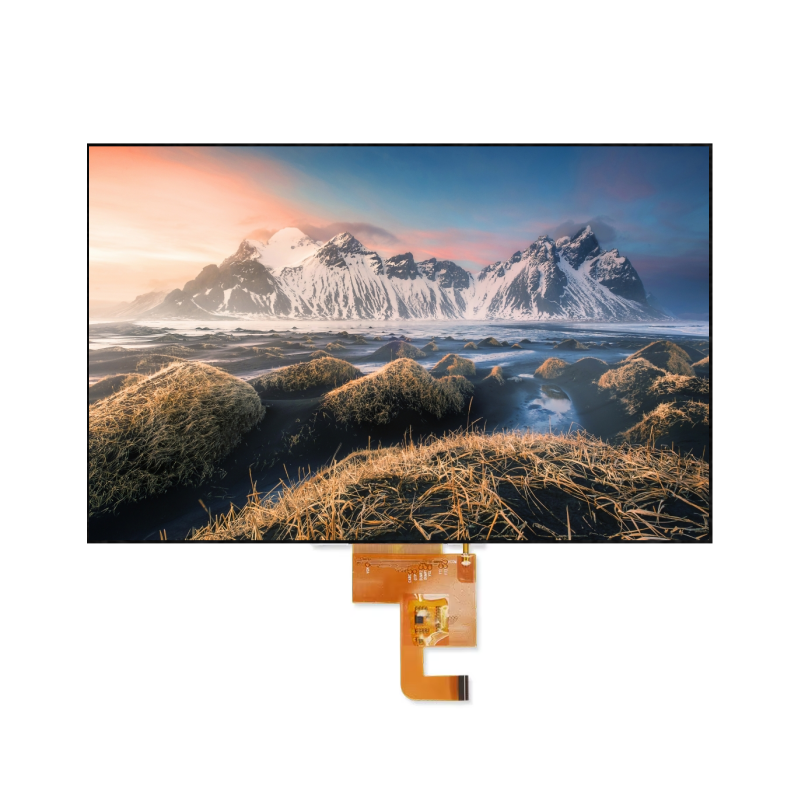
2. 有機EL (有機発光ダイオード)
最高のビジュアル品質
- 自発光画素(バックライトなし)
- 完璧な黒と無限のコントラスト
長所
- 見事な色彩とコントラスト
- ビデオやクリエイティブな作業に最適
短所
- バーンインのリスク
- 高価格
- 消費電力は変動する
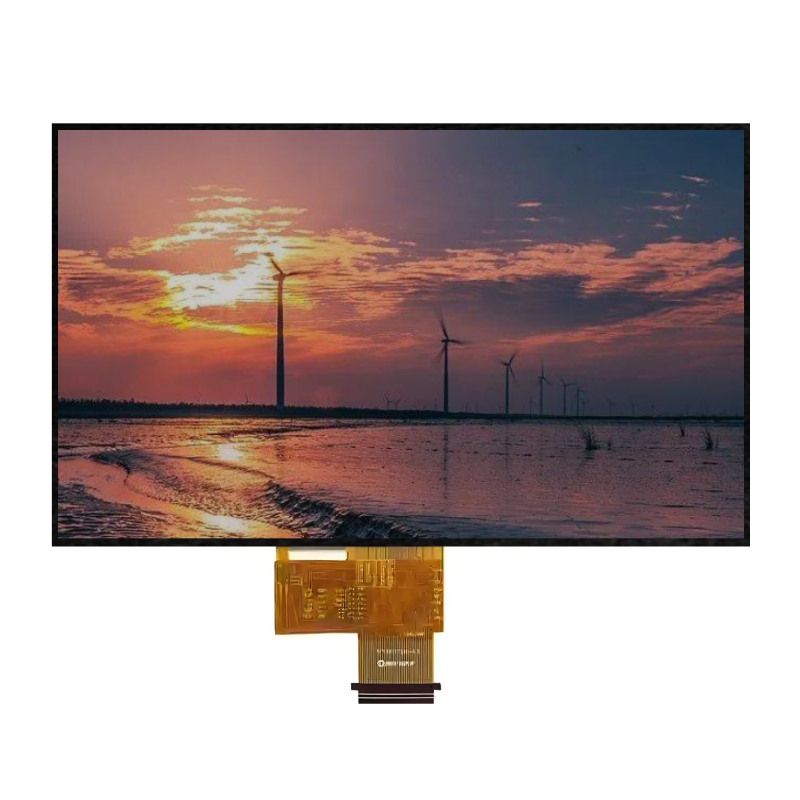
3.TN(ツイステッド・ネマティック)
スピードと予算に最適
- 最速の応答時間
長所
- 非常に低いレイテンシー
- 手頃な価格
短所
- 視野角が悪い
- 弱い色再現
4.VA(垂直アライメント)
バランスが取れているが、ノートパソコンでは少ない
- ハイコントラスト
長所
- IPSより優れた黒
- メディアに最適
短所
- 遅い応答時間
- ノートパソコンへの採用は限定的
ディスプレイ品質要因(詳細内訳)
多くのバイヤーはここで間違いを犯す。パネルタイプだけでは品質は決まらない.
1.解像度と画素密度
解像度が高い=画像が鮮明。.
- 1080p: 標準
- 2K / 3K:スイートスポット
- 4K: プレミアム
2.輝度(ニット)
- 250~300ニット:屋内用
- 400ニット以上:快適
- 500+ニット:屋外/HDR
3.コントラスト比
- IPS: ~1000:1
- 有機EL:∞ トゥルーブラック
コントラストを高くすることで、深みと読みやすさが向上する。.
4.色域と精度
| スタンダード | ユースケース |
|---|---|
| sRGB | ウェブ、オフィス |
| Adobe RGB | 写真撮影 |
| DCI-P3 | ビデオ、映画 |
デルタE (ΔE)
- <2 = プロ級の精度
5.リフレッシュ・レートと応答時間
- 60Hz:標準
- 120Hz-240Hz:ゲーム、スムーズなUI
- 応答時間 <5ms = 最小限のゴースト
6.見る角度
度単位(例:178度)。.
ここではIPSとOLEDが主流だ。.
7.表面タイプ
- マットアンチグレア、仕事に最適
- グロッシー鮮やかな色、より多くの反射
主要パラメータ比較表
| 特徴 | IPS | 有機EL | TN | バージニア |
|---|---|---|---|---|
| 色の精度 | 素晴らしい | 傑出している | 貧しい | グッド |
| コントラスト | ミディアム | 無限 | 低い | 高い |
| 視野角 | 広い | 広い | 狭い | ミディアム |
| 応答時間 | ミディアム | 速い | 非常に速い | 遅い |
| 価格 | ミディアム | 高い | 低い | ミディアム |
| 最適 | オールラウンド | ビジュアル | ゲーム(予算) | メディア |
ユースケース別ベスト・ディスプレイ・タイプ
オフィス&生産性
- IPS、1080p~2K、マット、300~400nits
クリエイティブワーク(デザイン、ビデオ編集)
- OLEDまたはハイエンドIPS
- 100% dci-p3, δe <2
ゲーミング
- IPSまたはTN
- 144Hz+リフレッシュレート
- 低い応答時間
エンターテイメント(映画、ストリーミング)
- 有機ELが望ましい
- ハイコントラスト+HDR
予算別ベスト・ディスプレイ・タイプ
| 予算範囲 | 推奨タイプ |
|---|---|
| 低い | TNまたはベーシックIPS |
| ミッド | IPS(ベストバリュー) |
| 高い | 有機EL / プレミアムIPS |
ノートパソコン用ディスプレイの正しい選び方
実際の経験から、ここに現実的な決断の道筋を示す:
- 使い方から始めよう
- 仕事 → IPS
- クリエイティブ → 有機EL
- ゲーミング → 高リフレッシュIPS
- 最低スペックの設定
- 解像度:≥1080p
- 明るさ:≥300ニット
- sRGB≧100%(可能な場合)
- 隠れたスペックをチェック
- 色精度(ΔE)
- PWMフリッカー(重要)
- パネル・サプライヤーの品質
- よくある落とし穴を避ける
- 解像度だけで選ばない
- 明るさを無視してはいけない
調達のヒント(ビジネスバイヤー向け)
ノートパソコンのディスプレイを調達している場合(OEM/ODM):
- 信頼できるパネルメーカーを選ぶこと(例., ジックテック, BOE、AUO、LGディスプレイ)
- 検証する:
- 一貫性(バッチの均一性)
- デッドピクセルポリシー
- バックライトのにじみ
- リクエスト
- サンプルテスト
- 認証(RoHS、REACH)
- 供給の安定性とリードタイムを考慮する
プロフェッショナル・ソーシングの利点
- 規模に応じたより良い価格設定
- カスタム仕様(輝度、インターフェース、サイズ)
- 安定した品質管理
見落とされがちなその他の要因
- PWMフリッカー眼精疲労に影響
- 青色発光長期的な快適性
- タッチサポート厚みとコストが増す
- パネルの均一性プロフェッショナルに不可欠
- HDR認証しばしば誤解を招くので、実際の明るさを確認してください。
よくある質問(「ノートパソコンのディスプレイタイプはどれがベストか」関連)
必ずしもそうではない。OLEDはより良いビジュアルを提供するが、長期的な使用や生産性を考えるとIPSの方が信頼できる。.
解像度1080p~2K、マット仕上げのIPSが最も快適で実用的だ。.
必ずしもそうではない。明るさ、色の正確さ、コントラストも同様に重要です。.
コンテンツ制作者またはハイエンドユーザーに限る。そうでなければ、大きなメリットなしにバッテリー駆動時間が短くなる可能性がある。.
に焦点を当てる:
IPSまたはOLEDパネル
≥300ニット以上の明るさ
≥100% sRGB
良好なコントラスト比