







Overview
I’ll be honest — the first time I had to spec out a display for an industrial handheld project, I stared at those acronyms like they were written in another language. TFT, IPS, VA… They all looked like “LCD screens” to me, yet the price quotes varied by multiples, and the datasheets might as well have been hieroglyphics.
It took a few factory visits and several long conversations with hardware engineers who’ve been in the trenches for decades before I realized something: picking the right display isn’t about choosing the “best” panel on paper. It’s about matching the technology to the reality of how your device will actually be used.
So let’s cut through the jargon. Here’s what IPS, TFT (specifically TN-type TFT), and VA panels actually are, how they differ in real-world industrial applications, and how to avoid the expensive mistakes I’ve seen others make.
Part 1: What Exactly Are IPS, TFT, and VA?
Before we compare anything, we need to clear up a common misconception. Many people treat IPS, TFT, and VA as three separate, competing technologies. They’re not.
TFT (Thin Film Transistor) is the broad category. Think of it as the underlying architecture — a method of manufacturing LCDs where each pixel is controlled by its own transistor built onto the glass substrate. Both IPS and VA are technically types of TFT-LCD.
What we’re actually comparing are the different liquid crystal alignment technologies within the TFT family: TN (Twisted Nematic), IPS (In-Plane Switching), and VA (Vertical Alignment).
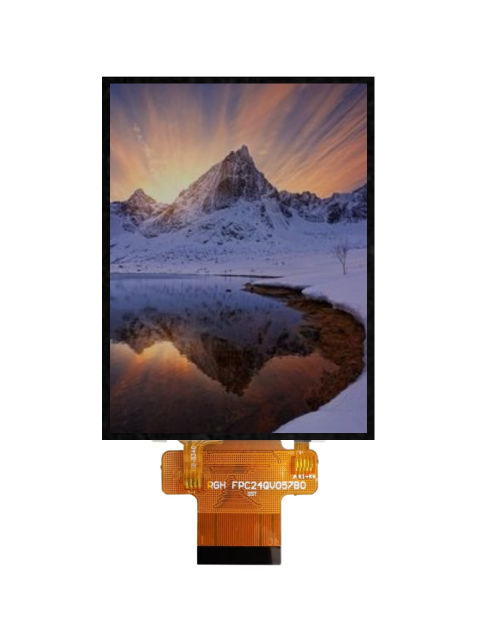
TN Panels: The Old Workhorse That’s Cheap but Picky
TN was the original LCD technology. Its liquid crystals twist in a helix pattern when no voltage is applied; when you apply current, they “untwist” to let light through. Simple structure, fast response, low cost.
The catch? Look at it from an angle — even a slight one — and colors shift dramatically. You might remember those early budget laptops where the screen turned white or inverted if you weren’t sitting dead-center. That’s TN in a nutshell.
IPS Panels: The All-Rounder That Industrial Engineers Love
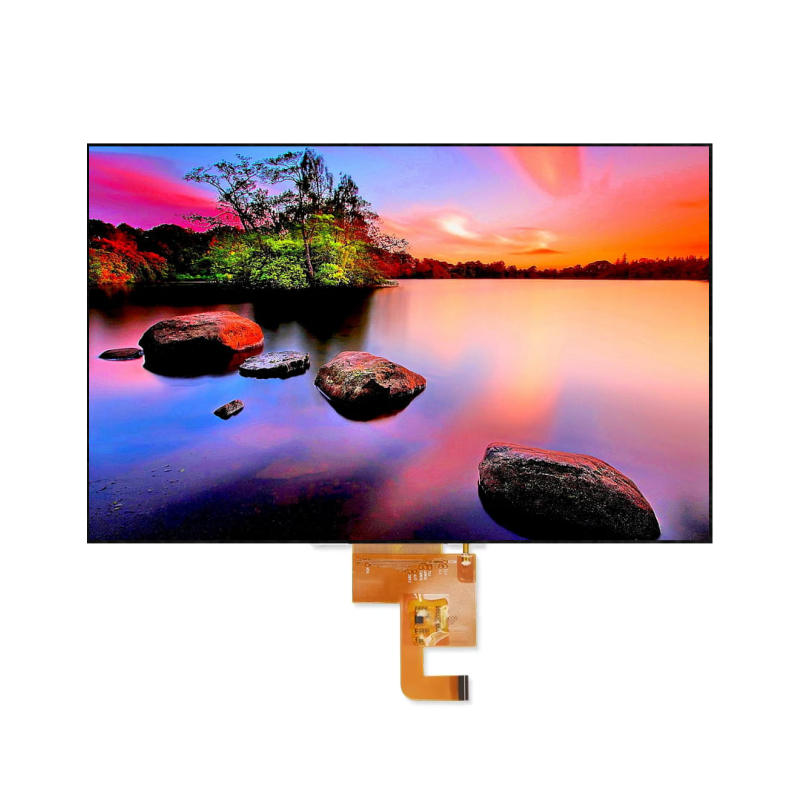
IPS was developed specifically to solve TN’s viewing angle problem. Instead of twisting vertically, the liquid crystals remain parallel to the glass substrate and rotate within the plane when voltage is applied.
The result? Colors and contrast stay remarkably consistent whether you’re looking straight on, from the side, or from above. It’s why IPS dominates high-end industrial equipment and medical displays today.
VA Panels: The Contrast King with a Speed Penalty
VA (Vertical Alignment) arranges its liquid crystals perpendicular to the substrate when idle — like soldiers standing at attention — which blocks backlight exceptionally well. This produces incredibly deep blacks and contrast ratios that can hit 3000:1 or higher.
When voltage is applied, the crystals tilt to the sides to let light through. But that transition from vertical to tilted takes longer than IPS’s in-plane rotation, which means VA panels generally have slower response times and more noticeable motion blur in fast-changing scenes.
Part 2: Head-to-Head Comparison
Here’s the comparison table I wish someone had handed me during my first industrial display project. These are typical values for current-gen industrial-grade panels — individual products will vary, but the overall trends hold:
| Spec | TN Panel | IPS Panel | VA Panel |
|---|---|---|---|
| Viewing Angle | Narrow (~160°H / 140°V) | Ultra-wide (178°/178°) | Moderate (160°–170°) |
| Color Accuracy | Fair (6-bit, color shifting) | Excellent (8/10-bit, ΔE<3) | Good (8-bit, shifts at extreme angles) |
| Contrast Ratio | 600:1 – 800:1 | 1000:1 – 1500:1 | 3000:1 – 5000:1 |
| Response Time | 1–5ms (fastest) | 4–8ms (modern IPS hits 1–5ms) | 4–8ms (slower, more smearing) |
| Brightness Uniformity | Fair | Excellent | Good |
| Power Consumption | Low | Medium (~10–20% higher than TN) | Medium-low |
| Press Resistance | Fair | Strong (hard panel) | Weak (soft panel, prone to ripples) |
| Relative Cost | Low ($5–$50) | High ($20–$150) | Medium ($15–$120) |
| Industrial Fit | Limited (fixed-angle apps) | Excellent (versatile, demanding apps) | Good (fixed-angle, high-contrast apps) |
Three details worth calling out:
- IPS “hard panel” characteristic: Press an IPS screen with your finger, and any distortion vanishes quickly. VA and TN are “soft” panels — press them, and the water-ripple effect lingers. On a handheld device that gets bumped, dropped, or operated with gloved hands, that durability difference matters.
- The contrast trade-off: IPS panels can suffer from edge light bleed in pure black scenes, which is why their contrast ratios lag behind VA. But VA’s deep blacks come at the cost of color and brightness shifts when viewed off-angle.
- Response time reality check: Yes, TN is technically fastest. But modern IPS panels with Overdrive have closed the gap to 1–5ms, which is more than adequate for virtually any industrial handheld application. VA is the one to watch out for if your device displays rapidly updating waveforms or video.
Part 3: Which Panel for Which Industrial Handheld Device?
The right screen depends entirely on your use case. Here’s how these panels map to real industrial handheld applications.
TN Panels: The Budget-Friendly Choice for Simple Jobs
Despite being largely phased out of consumer electronics, TN still has a place in industrial applications for one reason: it’s cheap, fast, and sips power.
Where TN still makes sense:
- Basic data collectors: Warehouse inventory PDAs that just need to display numbers and simple icons. The operator is usually looking straight at the device anyway.
- Entry-level barcode scanners: Screens that only show scan results and battery status. Color accuracy? Not a priority. Cost and battery life? Absolutely.
- Fixed-angle industrial remotes: Crane controllers, machine tool pendants — any device where the operator is always positioned directly in front of the screen. TN’s narrow viewing angle can even double as a privacy feature here.
Bottom line: If your display content is simple, the viewing angle is fixed, your budget is tight, and battery life matters, TN remains a pragmatic choice.
IPS Panels: The Safe Bet for Most Industrial Handhelds
IPS has become the default for mid-to-high-end industrial handhelds because it has no fatal weaknesses. Wide angles, stable colors, decent speed, and physical durability — it checks all the boxes.
Where IPS shines:
- Medical handheld terminals: Nurse PDAs, mobile medication carts — applications where accurate patient information and drug color-coding are critical, and multiple people may need to view the screen simultaneously.
- Outdoor industrial tablets: Power grid inspection devices, field surveying tablets. Paired with high-brightness backlights (1000 nits and up), IPS remains readable in direct sunlight. Plus, field workers hold devices at all angles — IPS ensures the screen doesn’t turn into a washed-out mess when viewed from the side.
- Forklift-mounted terminals: Drivers frequently glance at the screen from an angle while operating. IPS keeps the display readable without requiring perfect positioning.
- High-end industrial PDAs: Any device with capacitive touch, color UI, map navigation, or equipment status graphs — IPS is practically mandatory.
Bottom line: If you need touch, multi-user collaboration, outdoor readability, color accuracy, or you simply don’t know how users will hold the device — go with IPS. It’s the safest choice.
VA Panels: The Specialist for Specific Scenarios
VA has a smaller footprint in handheld devices because its slower response and press-sensitivity don’t mesh well with mobile use. But in fixed-installation or specific lighting conditions, VA’s contrast advantage is genuinely useful.
Where VA fits:
- Vehicle-mounted industrial terminals: Forklifts, AGVs — fixed mounting angles where VA’s high contrast makes dark UIs pop in dim warehouse environments or at night.
- Dark-room inspection equipment: NDT (non-destructive testing) handhelds that need to display high-contrast images in dark environments. VA’s deep blacks outperform IPS here.
- Static data displays: Devices showing fixed parameters that don’t refresh frequently — VA’s motion blur becomes a non-issue.
The catch: VA panels are sensitive to mechanical stress. If your handheld device gets dropped or knocked around regularly, VA screens are more prone to permanent dead pixels or pressure marks. For devices that live in a worker’s hand, IPS is usually the smarter long-term choice.
Part 4: A Practical Guide to Choosing Your Display Module
After all that theory, here’s how to actually make the decision without getting lost in spec sheets.
Step 1: Start with the Environment, Not the Specs
New engineers often jump straight to comparing resolution and color gamut. Don’t. Ask these questions first:
- Will operators view the screen from an angle? If yes, eliminate TN immediately.
- Is this primarily indoor or outdoor use? Outdoor demands IPS plus high-brightness backlighting; dark-room environments might favor VA.
- Will the screen face regular pressure or impacts? If so, VA’s soft panel is risky — IPS’s hard panel holds up better.
- Is the content mostly static data or dynamic video? Heavy video or waveform display makes VA’s slower response problematic.
Step 2: Don’t Over-Spec Resolution
Industrial handheld displays typically range from 3.5″ to 10″. At these sizes:
- 320×240 (QVGA): Enough for digits and basic icons. Lowest cost, typically paired with TN.
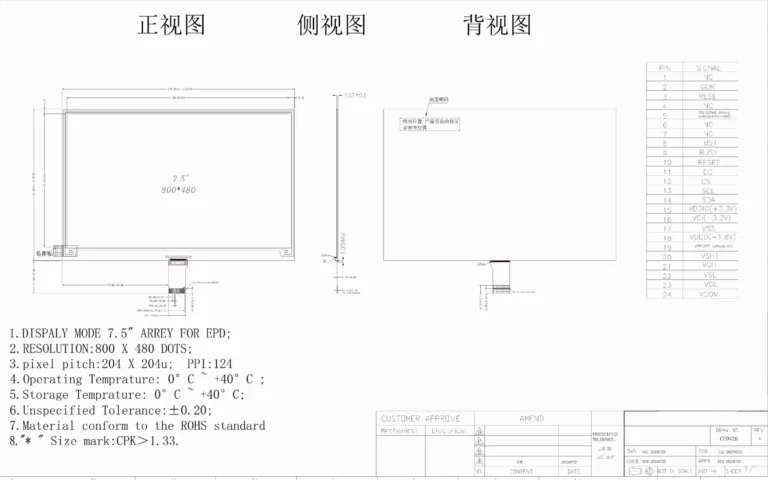
- 800×480 (WVGA): The sweet spot for industrial PDAs. Plenty of IPS and VA options available.
- 1280×720 (HD) and up: For map display, technical drawings, or rich UIs. Usually paired with IPS.
Higher resolution demands more processing power and interface bandwidth, which increases power draw and cost. Don’t spec HD just because it looks better on paper.
Step 3: Consider Interface and Touch Together
Industrial displays rarely work in isolation. Think about the full system:
- Interface type: RGB, LVDS, MIPI-DSI, eDP — your choice determines which SoC you can use. For example, RK3566 platforms typically use MIPI-DSI, while older industrial boards might only support LVDS.
- Touch technology: PCAP (capacitive) supports multi-touch but struggles with thick gloves; resistive works with gloves and styluses but only supports single touch. IPS panels typically pair more maturely with modern capacitive touch solutions.
- Optical bonding: For outdoor devices, full optical bonding reduces reflections and improves perceived brightness by 20–30%. It adds cost but transforms outdoor readability.
Step 4: Supply Chain and Lifecycle Matter More Than Specs
Industrial devices typically have 3–5 year lifecycles, sometimes longer. Confirm:
- Panel EOL commitments: Consumer-grade panels might disappear in 12–18 months. Industrial-grade panels from established manufacturers typically offer longer end-of-life guarantees.
- Driver IC compatibility: Swapping panels with incompatible drivers can trigger software rework that costs far more than the hardware price difference.
- Wide-temperature operation: Industrial environments can hit -20°C to 70°C. Verify panel and backlight performance across the full range, not just room temperature.
Step 5: Think Total Cost of Ownership, Not Just BOM Price
TN panels are cheaper upfront, but if operators misread data due to poor viewing angles and make mistakes, the cost of rework and retraining dwarfs the hardware savings. Conversely, IPS costs more per unit but reduces support tickets and training costs — the total cost of ownership (TCO) often favors the “expensive” option.
Part 5: Finding the Right Manufacturing Partner
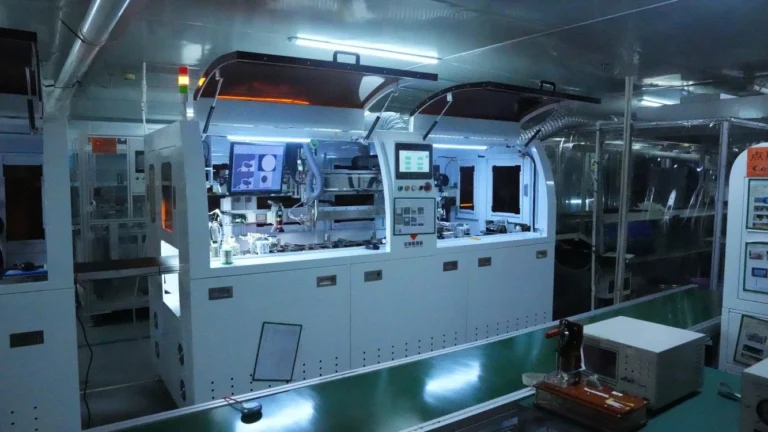
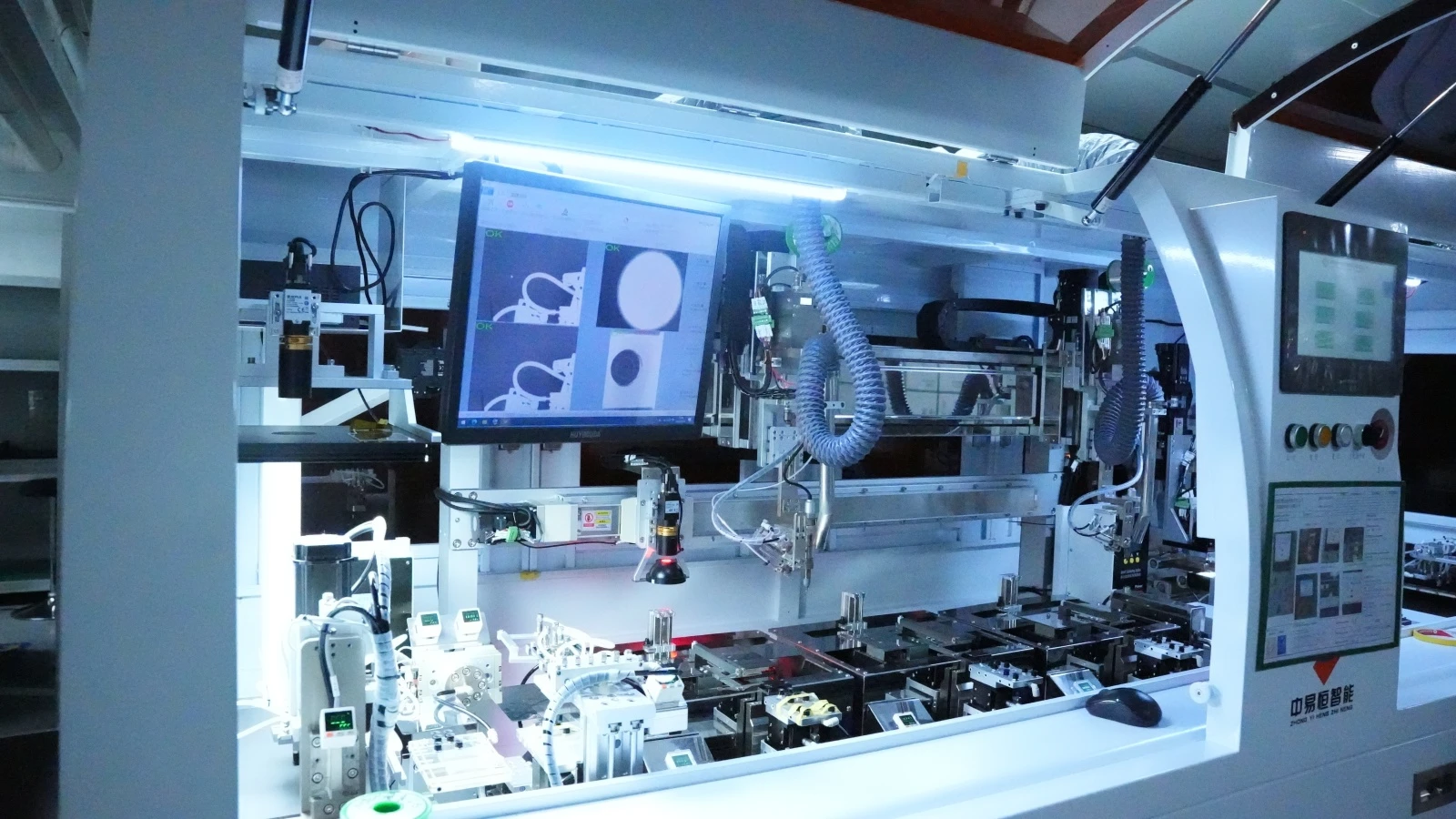
Choosing the right panel technology is only half the battle. The other half is finding a display module manufacturer who understands industrial requirements — not just someone who slaps a consumer-grade panel on a PCB and calls it “industrial.”
This is where specialized manufacturers like Jictech come into the picture. As a professional manufacturer of industrial display modules, Jictech focuses specifically on the nuances that separate a consumer screen from one that survives on a factory floor.
What to look for in an industrial display partner:
Brightness that matches your environment: Standard displays offer 200–400 nits, which is fine for office use but useless in direct sunlight. For outdoor industrial handhelds, you need high-brightness TFT LCD modules reaching 800–1500 nits or higher. A manufacturer experienced in industrial applications will understand this distinction and offer appropriate backlight solutions rather than pushing whatever panel they have in stock.
Interface compatibility that simplifies integration: Whether your system needs SPI, RGB, LVDS, or MIPI, the display module should match your SoC without requiring adapter boards or firmware hacks. Jictech and similar industrial-focused manufacturers typically offer multiple interface options and can advise on which pairing works best with your specific processor — something consumer display vendors rarely consider.
Viewing angle guidance based on real use cases: This is where the IPS vs. TN decision actually gets made. A knowledgeable supplier won’t just sell you the most expensive panel — they’ll ask how your device is mounted, who’s using it, and in what conditions. For applications requiring high visual quality and multi-angle viewing, they’ll steer you toward IPS. For basic, cost-sensitive, fixed-angle applications, they might legitimately recommend TN.
Operating temperature range that reflects reality: Industrial-grade modules should reliably handle -20°C to 70°C or wider. This isn’t just about the liquid crystals — it’s about the polarizers, adhesives, and backlight LEDs all surviving thermal cycling. A partner who understands industrial applications will spec and test for this, not just copy-paste consumer-grade temperature ratings.
Application-specific customization: Real industrial projects rarely fit off-the-shelf solutions. You might need a specific cover glass thickness, custom brightness curve, or unique mounting hole pattern. Working with a manufacturer that offers customization — rather than forcing you to redesign around their standard product — saves enormous headache down the road.
The bottom line: The difference between a display module that works and one that works in your application often comes down to the manufacturer’s industrial experience. When evaluating suppliers, ask about their track record in handheld devices specifically, not just “displays in general.”
Final Thoughts: There Is No “Best” Screen — Only the Right Screen
I remember talking with a friend who builds industrial PDAs. Early on, his team specced TN panels to save money. Warehouse workers complained constantly about not being able to read the screen unless they held it at exactly the right angle. After switching to IPS, complaints dropped to zero. The per-unit cost increased by about fifteen dollars, but the customer satisfaction and repeat business more than covered the difference.
On the flip side, another friend builds simple temperature and humidity loggers — wall-mounted devices that just display numbers. He’s been using TN for years because IPS would be pure waste. The device is fixed in place, viewed head-on, and only shows large digits.
So to answer the question in the title: IPS vs. TFT vs. VA — which is best for your industrial handheld device?
IPS is your safety net. TN is your budget option. VA is your specialist choice. The “best” panel is the one that matches how your device will actually be used, by whom, and in what conditions.
Get that right, and everything else falls into place.
Frequently Asked Questions (FAQ)
Q1: Is IPS always better than VA for industrial handheld devices?
Not necessarily. IPS wins on viewing angles and color stability, making it ideal for collaborative work, touch operation, and outdoor use. VA offers superior contrast, which can be advantageous in dark-room or fixed-angle installations. If your device will be held, dropped, or bumped regularly, IPS’s hard panel construction is also more durable.
Q2: What’s the relationship between TFT and IPS? Why do some vendors say “TFT display” and others say “IPS display”?
TFT (Thin Film Transistor) is the underlying driver technology for modern LCDs. IPS is a specific liquid crystal alignment technology built on TFT architecture — so technically, IPS is a type of TFT-LCD. When vendors say “TFT display” without specifying, they usually mean TN-type TFT, the older, cheaper technology. Always ask whether they mean TN, IPS, or VA to avoid confusion.
Q3: Does response time actually matter for industrial handheld displays?
For static data and text interfaces, the difference between TN’s 1ms and VA’s 8ms is imperceptible. But if your device displays real-time waveforms, video feeds, or rapidly updating UIs, response time becomes relevant. Modern IPS panels have narrowed the gap significantly, with many industrial-grade options reaching 4–5ms — adequate for the vast majority of industrial applications.
Q4: Why do two “high-brightness” IPS panels from different vendors have wildly different prices?
Industrial “high brightness” isn’t just about cranking up the LED backlight. It involves optical film design, thermal management, and brightness uniformity across the entire panel. Cheaper “high-brightness” options may have bright centers but dim edges, or they may suffer rapid backlight degradation under sustained high output. Always request sample units and test in your actual environment rather than trusting datasheet numbers alone.
Q5: My budget is tight, but I’m worried TN viewing angles won’t cut it. Is there a middle ground?
Consider VA panels — they offer wider viewing angles than TN at lower cost than IPS. Alternatively, look for enhanced TN variants like HTN (High Twisted Nematic) with wide-view compensation films. You can also mitigate TN’s weaknesses through UI design: avoid dark backgrounds, maximize font and icon contrast, and minimize scenarios requiring precise color discrimination. That said, if budget allows even a modest stretch, IPS remains the most future-proof choice.
Technical specifications referenced from publicly available industrial display industry sources and panel manufacturer datasheets. Always validate display selection against your specific project requirements and environmental conditions.