







Overview
Have you ever pinched to zoom on a photo using two fingers, or swiped through a webpage while tapping a button at the same time? These gestures feel so natural today that we barely think about the technology behind them. But there was a time when screens could only recognize a single touch at a time. The jump from single-touch to multi-touch changed everything—and the 5-point touch screen sits right at the sweet spot of performance, practicality, and cost.
So what exactly is a 5-point touch screen? How does it work under the surface? And why has it become the go-to choice for so many devices, from tablets to industrial control panels? Let’s break it down in plain English.
What Is a 5-Point Touch Screen, Really?
A 5-point multi-touch screen is a capacitive touch panel that can detect and track up to five separate touch inputs simultaneously. That means you can place five fingers on the screen at once, and the device will know exactly where each finger is, how it’s moving, and what gesture you’re trying to perform.
Compare that to older single-touch screens, which could only handle one finger at a time, or early dual-touch panels that let you zoom but not much else. Five-point touch opens the door to far richer interactions. It turns a flat piece of glass into an intelligent surface that understands complex human gestures.
Think about digital artists using a tablet: one hand might rotate the canvas with two fingers while the other hand adjusts brush size with three. That kind of fluid, two-handed workflow simply wouldn’t work on a screen with fewer touch points.
How Does a 5-Point Touch Screen Work?
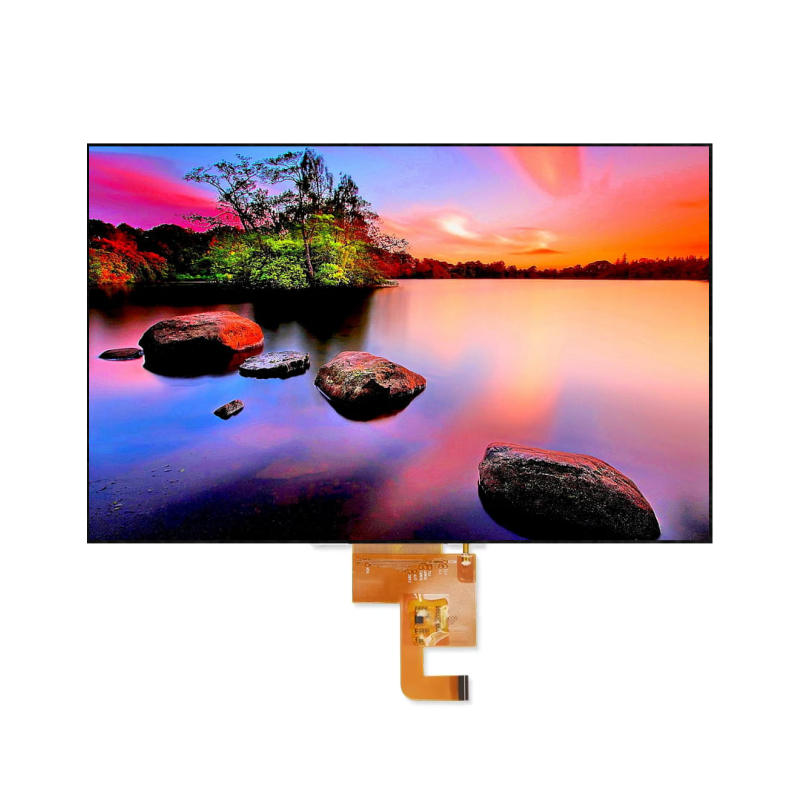
To understand five-point touch, you need to look beneath the glass. Nearly all modern 5-point touch panels rely on projected capacitive touch (PCT or PCAP) technology. Here are the core components that make the magic happen:
1. Sensor Glass with ITO Coating
Hidden beneath the cover lens is a layer of glass coated with Indium Tin Oxide (ITO)—a transparent conductive material. Using photolithography, manufacturers etch this layer into a microscopic grid of electrodes running horizontally and vertically. This invisible grid is what senses the electrical disturbance when your finger approaches.
2. Touch Controller IC
The sensor grid detects changes in capacitance, but raw data is useless without interpretation. That’s where the touch controller IC comes in. This tiny chip processes signals from all electrodes at lightning speed, calculates the precise X and Y coordinates of each touch point, and distinguishes between actual finger inputs and false triggers. A high-quality controller can resolve five distinct points with sub-millimeter accuracy.
3. Cover Lens
This is the top layer you actually touch. Usually made from chemically strengthened glass or materials like Corning Gorilla Glass, it needs to be tough, optically clear, and smooth. Many cover lenses receive additional treatments—anti-fingerprint (AF), anti-glare (AG), and anti-reflective (AR) coatings—to improve both durability and user experience.
4. Flexible Printed Circuit (FPC)
The FPC is the thin ribbon cable connecting the sensor glass to the device’s mainboard. Despite its small size, it carries dozens of signal traces. Any flaw in the FPC design can introduce noise, delay, or dead zones in touch response.
5. Optically Clear Adhesive (OCA)
Between the touch sensor and the display sits a layer of OCA. Its job is to eliminate air gaps, prevent light refraction, and keep the entire stack thin and responsive. Without proper lamination, the screen can look murky and feel sluggish.
The workflow in a nutshell: Your finger approaches → the ITO grid senses a capacitive change → the touch IC calculates coordinates for all five points → the processor interprets the gesture → the screen responds instantly. The whole cycle happens in milliseconds.
Why Five Points? The Real-World Advantages
You might wonder: why five points specifically? Why not three, or ten? The answer lies in the balance between capability and cost. Five points cover the vast majority of human gestures without driving up the price of the controller and sensor complexity. Here’s what you gain:
1. Richer Gestures, Faster Workflow
Pinch-to-zoom, three-finger screenshots, four-finger app switching, five-finger grab gestures—these have become second nature to us. On a 5-point screen, these gestures work reliably because the panel has enough “headroom” to track multiple fingers without dropping inputs.
2. Genuine Multi-User Collaboration
On an interactive whiteboard or a large tablet, two people can write, drag, or annotate simultaneously without their touches canceling each other out. Try that on a single-touch screen, and you’ll quickly see why five points matter for collaboration.
3. Better Gaming and Precision Control
In rhythm games, flight simulators, or any app requiring multiple on-screen buttons, a 5-point panel ensures every press registers. There’s nothing more frustrating than a “ghost touch” or a missed input during a critical moment—issues far more common on lower-quality touch solutions.
4. Industrial Reliability
In factories, hospitals, and vehicles, operators often wear gloves or need to input commands with multiple fingers quickly. A robust 5-point touch screen, paired with a quality controller, maintains accuracy even in high-interference environments. This is why industrial display manufacturers like Jictech, with 23 years of experience producing custom touch panels, prioritize 5-point solutions for their industrial and medical clients.
5. Smarter Palm Rejection
When you rest your hand on a tablet while writing with a stylus, the touch controller must ignore your palm and track only the pen. Advanced 5-point systems excel at this because they can map the entire contact area and algorithmically filter out unintended touches.
Where Are 5-Point Touch Screens Actually Used?
This technology isn’t just for fancy consumer gadgets. It has found a home across a surprisingly wide range of industries:
Consumer Electronics
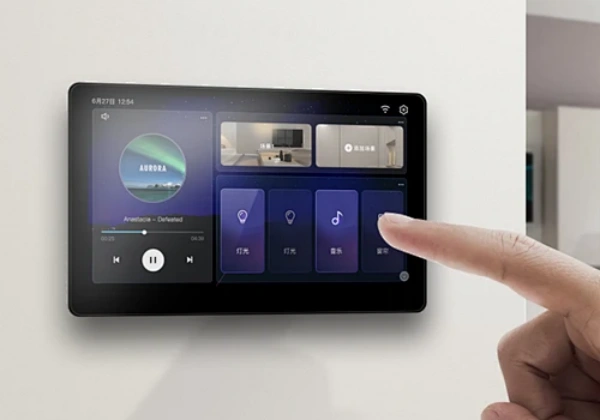
Tablets, in-car infotainment systems, smart home control panels, and even high-end kitchen appliances now use 5-point touch. Swiping through a recipe with one hand while adjusting the timer with another feels effortless because the screen keeps up with you.
Industrial Human-Machine Interfaces (HMI)
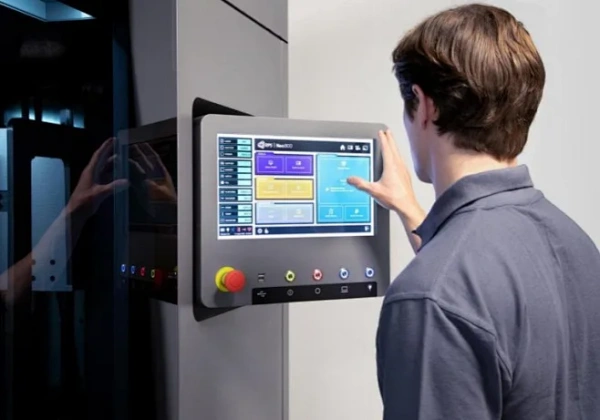
On factory floors, 5-point touch panels power machine interfaces, production line monitors, and ruggedized tablets. These environments demand screens that work through dust, vibration, and temperature swings. Companies like Jictech specialize in building custom touch panels for exactly these conditions, offering tailored sizes, interfaces, and protection levels to match specific industrial requirements.
Medical Equipment
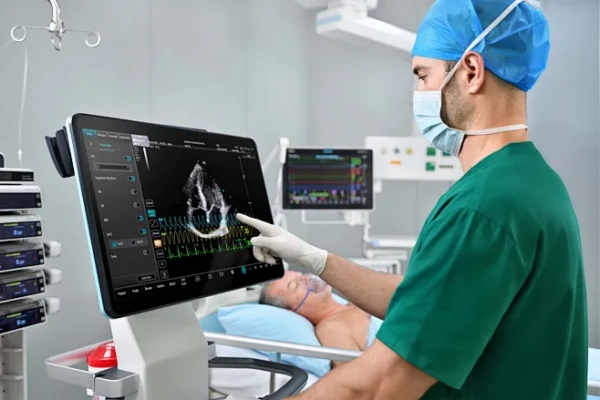
From patient monitors to ultrasound machines and surgical navigation systems, medical touch screens must perform flawlessly while being cleaned constantly. Five-point capacitive touch supports gloved operation and allows doctors to manipulate 3D scans intuitively.
Education and Training
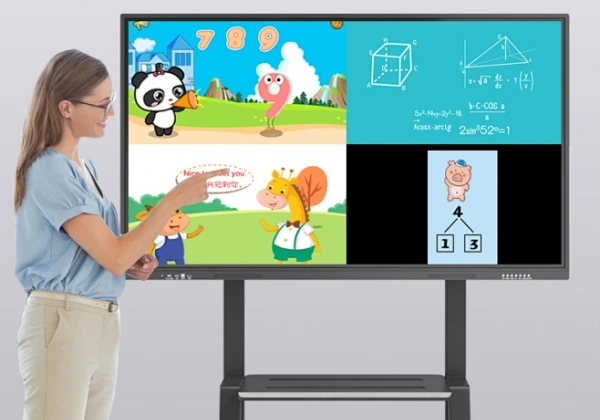
Interactive whiteboards and collaborative learning tables thrive on multi-touch. Students can work together on math problems, drag elements in science simulations, or annotate documents as a group. Five points provide enough capacity for small-team interaction without the cost of enterprise-grade ten-point systems.
Retail and Self-Service Kiosks
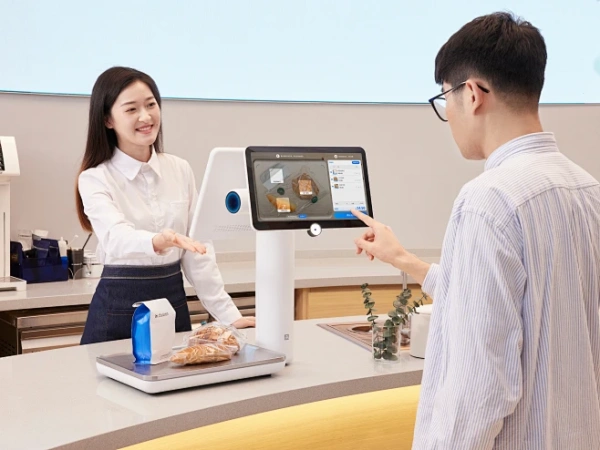
Self-ordering terminals at restaurants, wayfinding kiosks in malls, and banking ATMs all benefit from intuitive multi-touch. Customers expect smartphone-like responsiveness, and a 5-point panel delivers exactly that.
What to Look for When Choosing a 5-Point Touch Screen
If you’re sourcing a touch panel for a product or project, “5-point support” is just the starting point. Dig deeper into these specs:
- Controller IC Brand: Chips from ELAN, Goodix, or FocalTech generally offer better noise immunity and faster refresh rates than no-name alternatives.
- Cover Lens Hardness: For industrial use, look for 7H or higher on the Mohs scale. Outdoor units may need IP65 sealing and UV resistance.
- Glove and Wet Touch Support: Not every 5-point screen works with gloves or water on the surface. Verify this if your use case demands it.
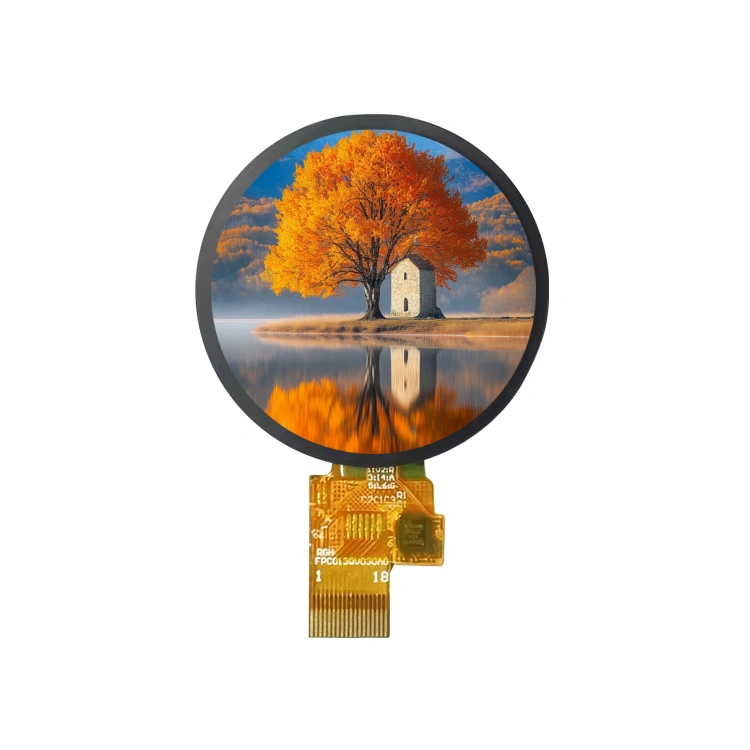
- Customization Flexibility: Standard rectangles don’t fit every device. If you need circular cutouts, unusual aspect ratios, or specific connector placements, partner with a manufacturer that offers true custom engineering. A 23-year veteran like Jictech, for example, provides end-to-end customization—from sensor pattern design to final assembly—for clients who can’t settle for off-the-shelf parts.
Frequently Asked Questions
Q1: What is the difference between 5-point and 10-point touch? Do I need 10 points?
A: Ten-point touch can track all ten fingers at once, which is useful for large interactive tables or professional drawing displays. For tablets, industrial panels, and most consumer devices, five points cover 99% of real-world gestures at a lower cost. You likely won’t notice a difference in daily use.
Q2: My screen claims to support 5-point touch, but sometimes it feels unresponsive. Why?
A: Touch performance depends on more than the touch-point count. Thick screen protectors, greasy surfaces, poorly optimized drivers, or a low-grade controller IC can all cause lag or missed touches. If software tweaks don’t help, the hardware itself may be the bottleneck.
Q3: Can resistive touch screens support 5-point multi-touch?
A: Not practically. Resistive screens rely on physical pressure and deformation, making true multi-touch extremely difficult to implement. They also suffer from poor light transmission and a mushy feel. Modern multi-touch is almost exclusively the domain of capacitive technology.
Q4: How do industrial 5-point touch screens differ from consumer-grade ones?
A: Industrial panels prioritize stability, wide temperature ranges (often -20°C to 70°C), electromagnetic compatibility, and long lifespans (typically 50 million touches or more). Consumer screens focus on thinness and visual appeal. For harsh environments, always choose an industrial-specific solution from experienced manufacturers.
Q5: Can I get a 5-point touch screen in a custom size or shape?
A: Absolutely. Many projects require non-standard dimensions—round displays, ultra-wide bars, or panels with physical button cutouts. A specialized touch panel manufacturer can engineer the sensor pattern, cut the cover lens, and design the FPC layout to your exact mechanical drawings, ensuring seamless integration into your final product.
Final Thoughts
The move from single-touch to 5-point multi-touch wasn’t just an incremental upgrade—it redefined how we interact with digital devices. Five points hit a practical sweet spot: powerful enough for complex gestures and light collaboration, yet cost-effective enough to deploy at scale across consumer, medical, and industrial markets.
Whether you’re designing the next smart home device, upgrading factory floor controls, or simply curious about the technology in your hands, understanding what a 5-point touch screen is—and why it matters—helps you make smarter decisions. After all, the touch screen is the one part of a device you physically connect with every single time you use it. Making that connection seamless is what good engineering is all about.