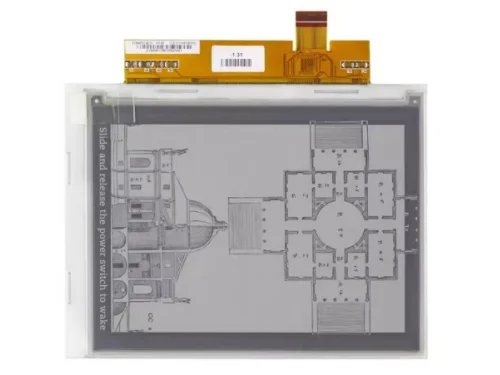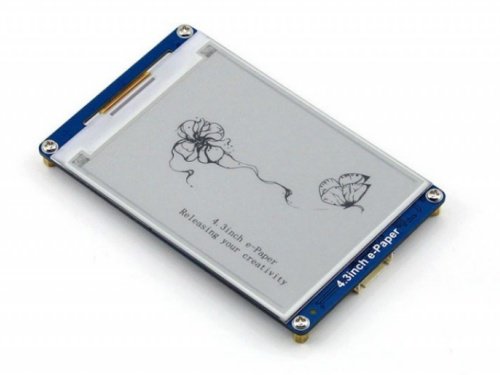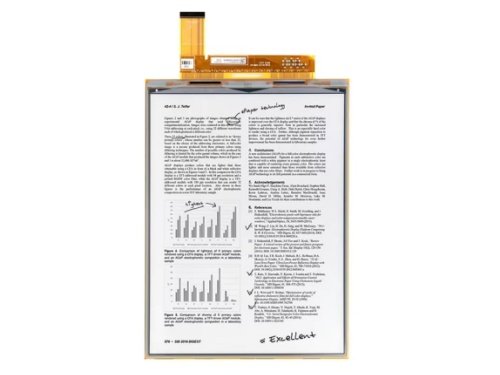

There are several main types of e-paper displays, including black-and-white (monochrome), grayscale, color (ACeP, Kaleido), flexible e-paper, segmented e-paper, and advanced variants such as Spectra for retail signage. Each type is designed for specific performance requirements such as color capability, refresh speed, power consumption, flexibility, and application environment.
What Is an E-Paper Display?
E-paper (electronic paper) is a reflective display technology designed to mimic the appearance of ink on paper. Unlike traditional emissive displays such as LCD or OLED, e-paper does not emit light. Instead, it reflects ambient light, making it highly readable even under direct sunlight.
The most well-known commercial implementation of e-paper technology is developed by E Ink Holdings, which popularized the technology in e-readers and electronic shelf labels.
E-paper displays are bistable, meaning they consume power only when the image changes. Once content is displayed, it remains visible without continuous power supply. This ultra-low power characteristic makes e-paper especially suitable for battery-powered and IoT devices.
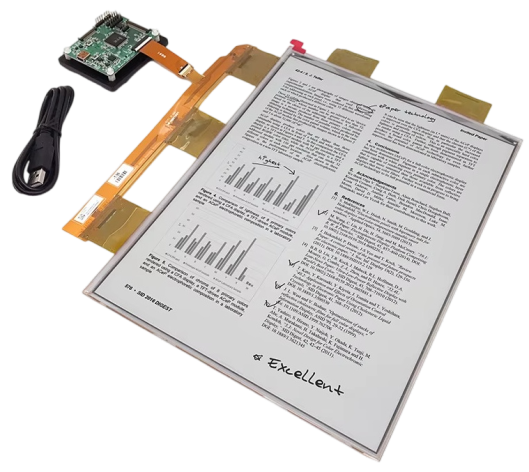
How Does E-Paper Technology Work?
Most e-paper displays operate based on electrophoretic technology.
Inside the display are millions of microcapsules filled with positively and negatively charged pigment particles suspended in fluid:
- White particles carry a positive charge
- Black particles carry a negative charge
When an electric field is applied:
- Positive particles move toward the top electrode (visible side)
- Negative particles move toward the bottom
By controlling voltage polarity, the display forms text and images.
Color e-paper works similarly but incorporates additional pigment systems or color filter arrays.
Main Types of E-Paper Displays
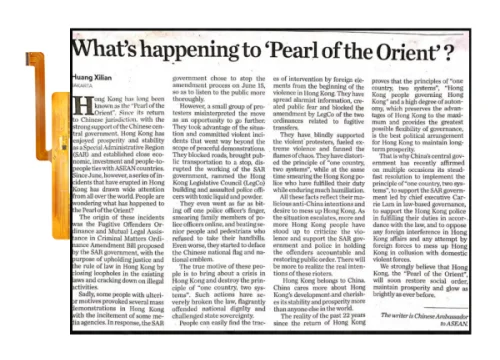
1. Monochrome (Black & White)
The most mature and widely used type. Provides high contrast and excellent readability.
Common Uses: e-readers, electronic shelf labels, smart tags.
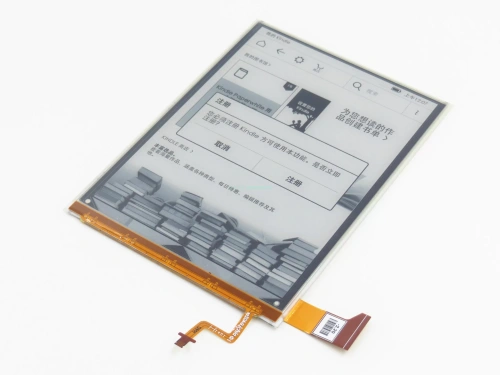
2. Grayscale E-Paper
Supports multiple gray levels (typically 4–16 levels).
Common Uses: medical devices, industrial monitors, dashboards.
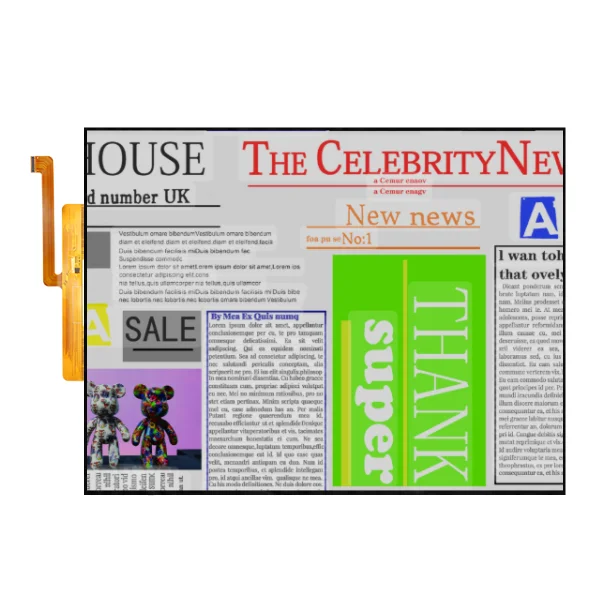
3. Color E-Paper
Color e-paper has evolved into several subtypes:
- Kaleido (color filter array technology)
- ACeP (Advanced Color ePaper)
- Spectra (optimized for retail signage)
These technologies are commercialized primarily by E Ink Holdings.
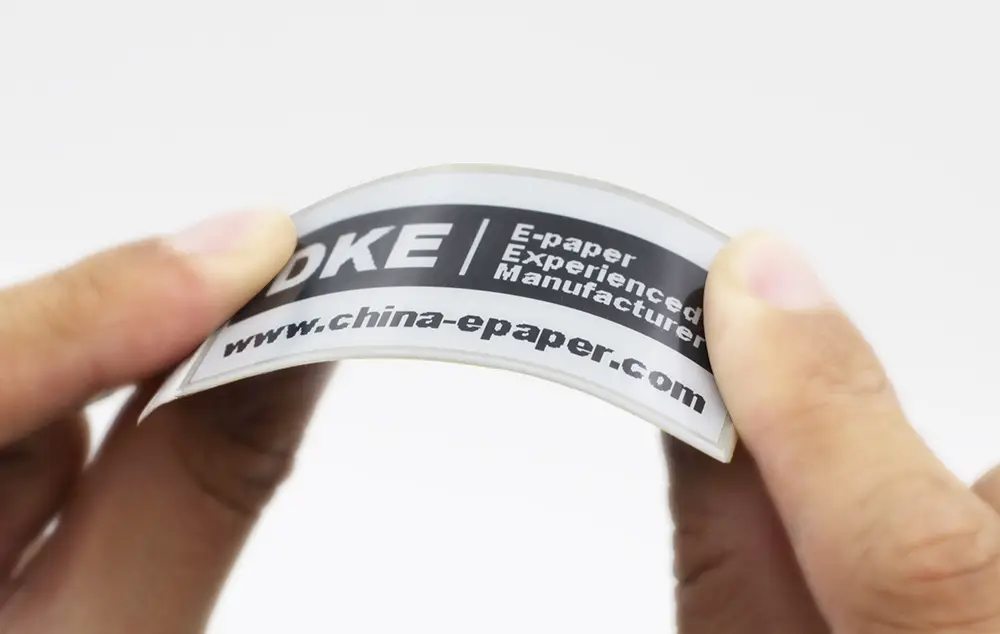
4. Flexible E-Paper
Built on plastic substrates instead of glass, enabling bendable and lightweight designs.
Common Uses: wearable devices, smart labels, curved surfaces.
5. Segmented E-Paper
Custom-shaped segments rather than matrix pixels. Extremely low power.
Common Uses: simple numeric displays, meters, thermostats.
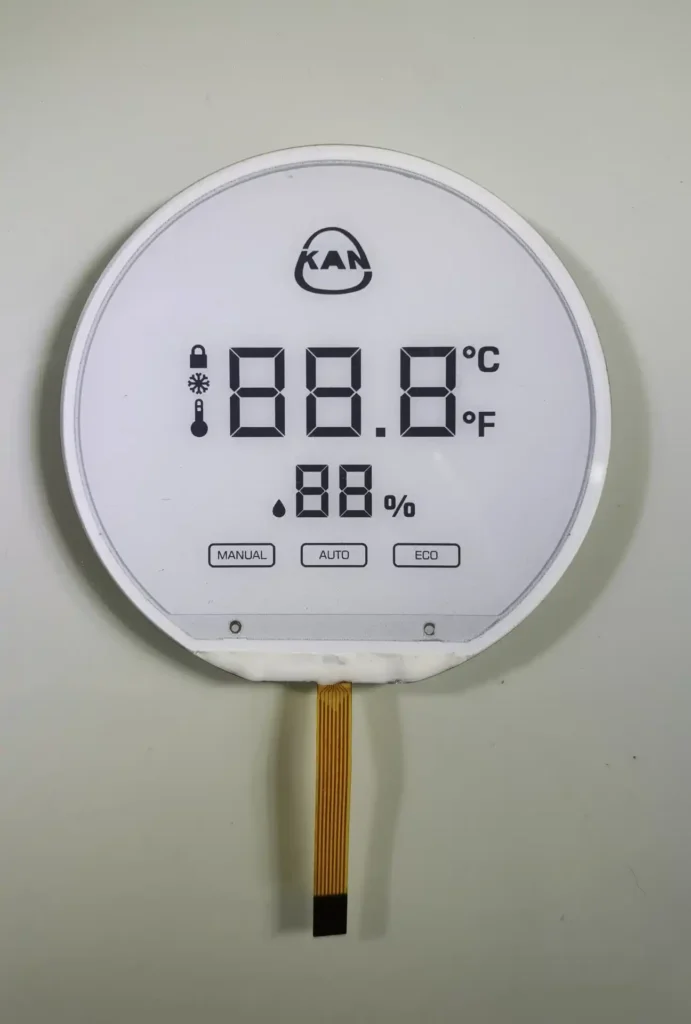
Comparison of Different E-Paper Types
| Type | Color Capability | Refresh Speed | Power Consumption | Advantages | Limitations |
|---|---|---|---|---|---|
| Monochrome | Black & White | Medium | Ultra-low | High contrast, mature tech | No color |
| Grayscale | 4–16 levels | Medium | Ultra-low | Better image detail | Still limited visually |
| Kaleido | Limited color | Slow | Low | Affordable color solution | Lower saturation |
| ACeP | Full color | Very slow | Low | Rich color without filters | Slow refresh |
| Spectra | Retail-focused color | Slow | Low | High color impact | Limited use cases |
| Flexible | Depends on base type | Medium | Ultra-low | Lightweight, durable | Higher cost |
| Segmented | Usually B/W | Fast | Ultra-low | Extremely efficient | Limited graphics |
Advantages and Disadvantages of E-Paper
Advantages
- Ultra-low power consumption
- Sunlight-readable
- Wide viewing angle
- Paper-like appearance
- No blue light emission
Disadvantages
- Slow refresh rate
- Limited video capability
- Color saturation is lower than LCD/OLED
- Higher initial module cost
How to Choose the Right E-Paper Display
Choosing the appropriate type depends on application requirements.
Choose Monochrome When:
- Text-heavy applications
- Ultra-low power requirement
- Long battery life is critical
Choose Color (Kaleido or ACeP) When:
- Product labels need color
- Retail signage requires visual impact
- Marketing display without video is acceptable
Choose Flexible When:
- Weight reduction matters
- Mechanical durability is required
- Curved surface integration
Choose Segmented When:
- Only digits or simple icons are needed
- Extremely low power consumption is mandatory
Industry Applications
E-paper is widely used in:
- Retail: electronic shelf labels, promotional signage
- Logistics: smart tags, warehouse labeling
- Healthcare: portable medical devices
- Education: digital notebooks
- Consumer Electronics: e-readers
- Industrial Control: low-power monitoring panels
- Smart Home & IoT: thermostats, smart meters
When Should You Choose E-Paper Instead of LCD?
E-paper is ideal when:
- Content changes infrequently
- The device runs on battery for months or years
- Outdoor readability is required
- Eye comfort is important
LCD or OLED may be more suitable when:
- Video playback is required
- Fast animation is needed
- High refresh rate UI interaction is necessary
Conclusion
E-paper displays come in multiple forms, including monochrome, grayscale, color (Kaleido, ACeP, Spectra), flexible, and segmented types. Each serves a distinct market need. The right choice depends on refresh requirements, color demand, mechanical design, and power constraints.
As IoT and low-power smart devices continue to expand, e-paper remains a highly practical solution for applications where efficiency, readability, and long battery life outweigh the need for dynamic visuals.
FAQ
1. What is the most common type of e-paper display?
Monochrome black-and-white e-paper is the most widely used due to its high contrast and ultra-low power consumption.
2. Can e-paper display video?
Traditional e-paper is not suitable for smooth video playback due to slow refresh rates, although limited animation is possible.
3. Is color e-paper as bright as LCD?
No. Color e-paper reflects ambient light and generally has lower saturation compared to backlit LCD displays.
4. How long does an e-paper display last?
E-paper modules can typically last several years, especially in low-refresh applications such as electronic shelf labels.
5. Does e-paper consume power continuously?
No. E-paper is bistable and consumes power only when the displayed content changes.