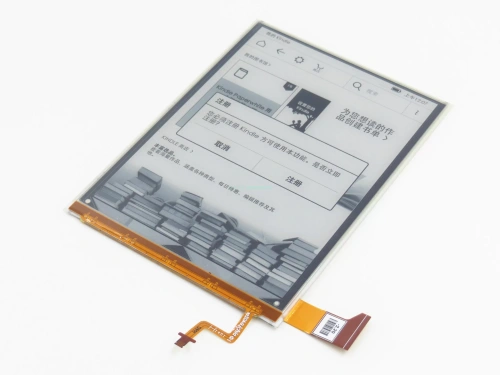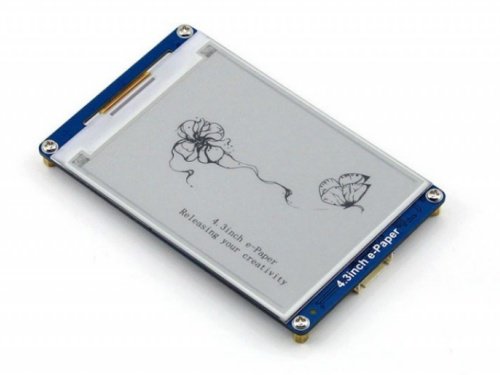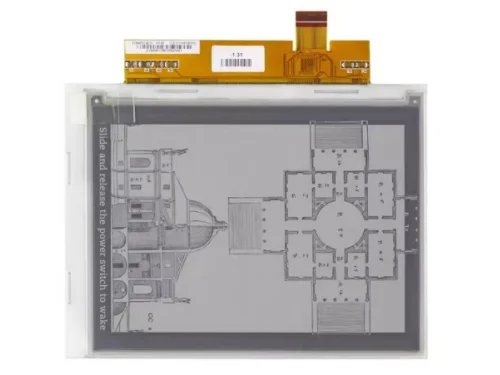

The difference between E Ink displays and normal displays (such as LCD or OLED) lies primarily in how images are formed, how power is consumed, and how content is viewed. E Ink is a reflective, bistable display technology designed to mimic ink on paper, while normal displays are emissive or transmissive displays that rely on continuous electrical power and backlighting to show images.
Understanding this distinction is critical when choosing a display for applications where power efficiency, readability, or usage environment matters.
What Is an E Ink Display?
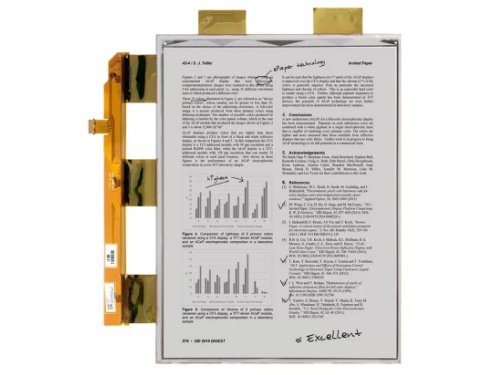
An E Ink display (also called an electronic paper display) uses microcapsules filled with charged black and white particles suspended in fluid. When an electric field is applied, particles move to the top or bottom of the capsule, forming visible text or images.
Key Characteristics of E Ink
- Reflective display (no backlight)
- Bistable (image remains without power)
- Optimized for static or slow-changing content
- Appearance similar to printed paper
Common examples include e-readers, electronic shelf labels, and industrial status panels.
What Is a Normal Display?
A normal display typically refers to LCD (Liquid Crystal Display) or OLED (Organic Light Emitting Diode) technology.
LCD Displays
- Use a backlight and liquid crystals to modulate light
- Require continuous power
- Widely used in monitors, TVs, industrial panels
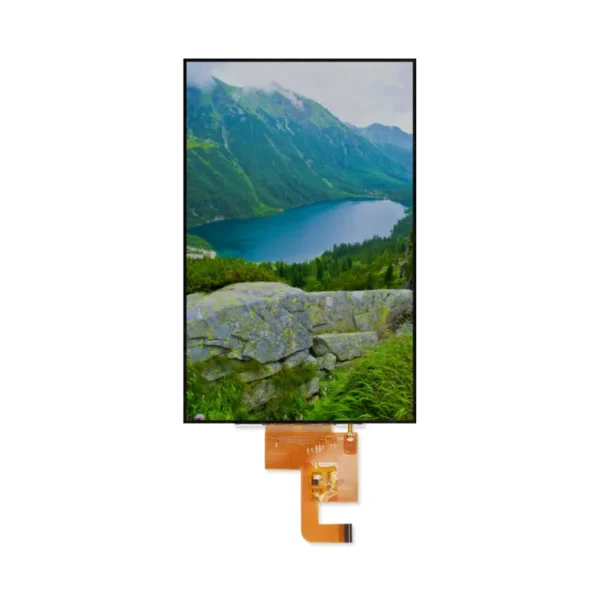
OLED Displays
- Each pixel emits its own light
- High contrast, fast response
- Higher power consumption for bright or static images
Normal displays are designed for dynamic content, video playback, and rich color reproduction.
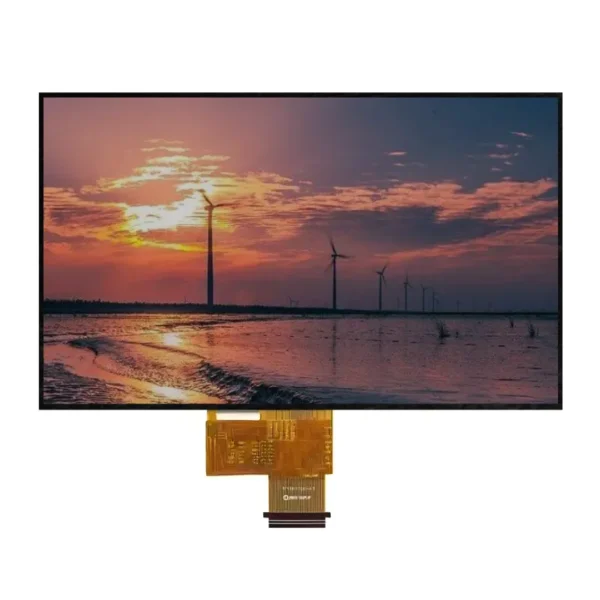
Key Differences Between E Ink and Normal Displays
Technology Comparison
| Feature | E Ink Display | Normal Display (LCD / OLED) |
|---|---|---|
| Display Type | Reflective | Emissive / Transmissive |
| Backlight | No | Yes (LCD) / No (OLED) |
| Power Consumption | Ultra-low (only when refreshing) | Continuous |
| Image Retention | Permanent without power | Lost when powered off |
| Refresh Rate | Slow (100–500 ms or more) | Fast (ms-level) |
| Color Capability | Limited (mono or muted color) | Full color, high saturation |
| Sunlight Readability | Excellent | Moderate to poor |
| Eye Comfort | Very high | Medium |
Advantages and Disadvantages
E Ink Displays
| Advantages | Disadvantages |
|---|---|
| Extremely low power consumption | Slow refresh rate |
| Readable in direct sunlight | Limited color performance |
| No flicker, eye-friendly | Not suitable for video |
| Retains image without power | Higher cost per inch |
Normal Displays (LCD / OLED)
| Advantages | Disadvantages |
|---|---|
| Fast refresh and animation | High power consumption |
| Full color and high brightness | Poor sunlight readability |
| Mature supply chain | Eye fatigue over long usage |
| Suitable for multimedia | Image loss when powered off |
How to Choose Between E Ink and Normal Displays
Choose E Ink if:
- Content is mostly static (text, icons, numbers)
- Device is battery-powered
- Outdoor or high-ambient-light environments
- Long-term display without frequent updates
- Ultra-low maintenance is required
Choose Normal Display if:
- Content changes frequently
- Video or animation is required
- High color accuracy is important
- User interaction is frequent
- Power supply is stable
When Should You Use Each Technology?
| Scenario | Recommended Display |
|---|---|
| E-readers | E Ink |
| Electronic shelf labels | E Ink |
| Smart badges / ID cards | E Ink |
| Industrial dashboards (static data) | E Ink |
| Medical monitors | LCD / OLED |
| Automotive displays | LCD / OLED |
| Consumer electronics | LCD / OLED |
| Advertising screens | LCD / OLED |
Industry Applications
E Ink Display Applications
- Retail (price tags, signage)
- Logistics (warehouse labeling)
- Smart home control panels
- Wearables and low-power IoT devices
- Transportation (timetables, status boards)
Normal Display Applications
- Industrial HMI systems
- Medical imaging and monitoring
- Automotive infotainment
- Consumer electronics
- Digital advertising
Summary
E Ink and normal displays serve fundamentally different design goals.
E Ink excels in power efficiency, readability, and long-term static display, while normal displays dominate in color richness, responsiveness, and multimedia performance.
Choosing the right display technology is less about which is “better” and more about matching the display’s physical behavior to the system’s functional requirements.
Frequently Asked Questions (FAQ)
1. Is E Ink better for the eyes than LCD?
Yes. E Ink does not emit light and has no flicker, making it significantly more comfortable for long-term reading.
2. Why can’t E Ink play video smoothly?
E Ink has a slow refresh rate due to the physical movement of particles, which limits animation performance.
3. Does E Ink consume power all the time?
No. E Ink only consumes power when the image changes; static images require no power.
4. Are color E Ink displays comparable to LCD?
No. Color E Ink offers limited saturation and resolution compared to LCD or OLED.
5. Can E Ink be used outdoors?
Yes. E Ink performs exceptionally well in direct sunlight, unlike most normal displays.