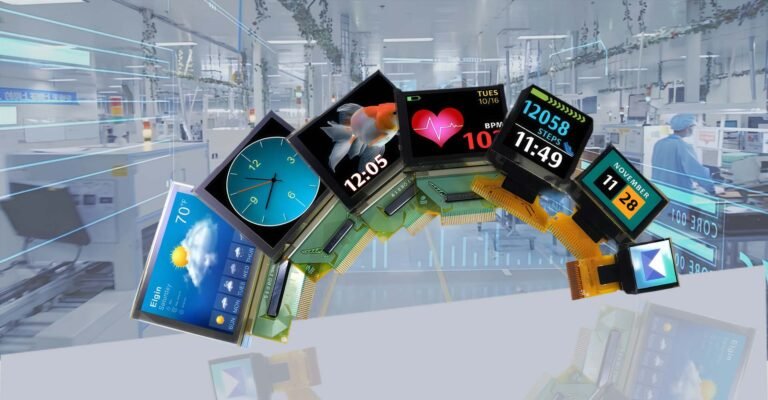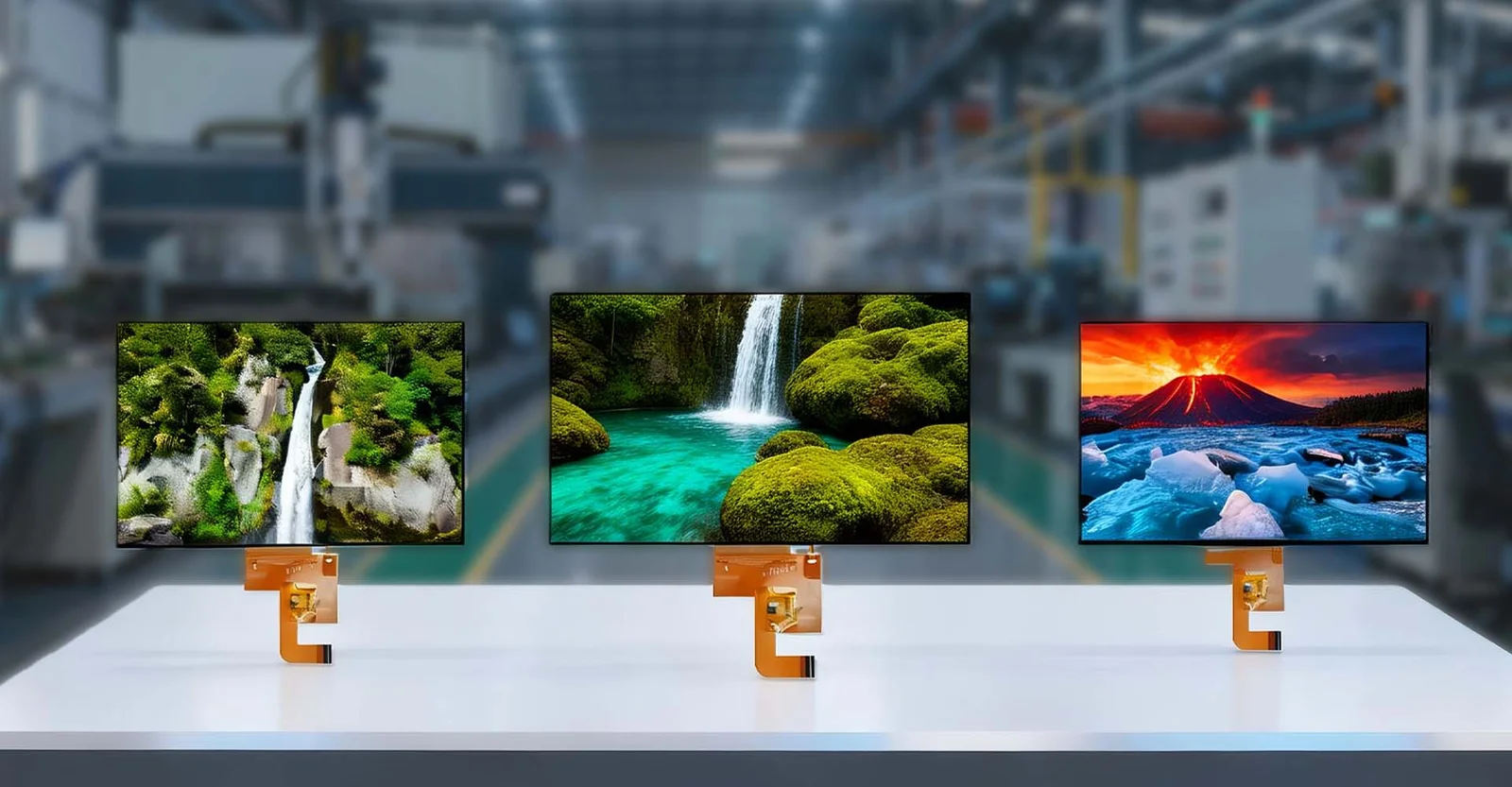

How to Choose a TFT LCD Display Module?
Choosing the right TFT LCD display module starts with clearly defining your application’s environmental constraints, interface requirements, and optical performance needs; specifically, you must match the display’s resolution, brightness (nits), viewing angle, and communication interface (such as RGB, SPI, I2C, or MIPI) to your processor’s capabilities and the end-user’s visibility conditions before considering cost or availability. Once these core technical parameters are locked down, the selection process becomes a systematic evaluation of reliability, supply chain stability, and long-term support rather than just comparing datasheet specs.
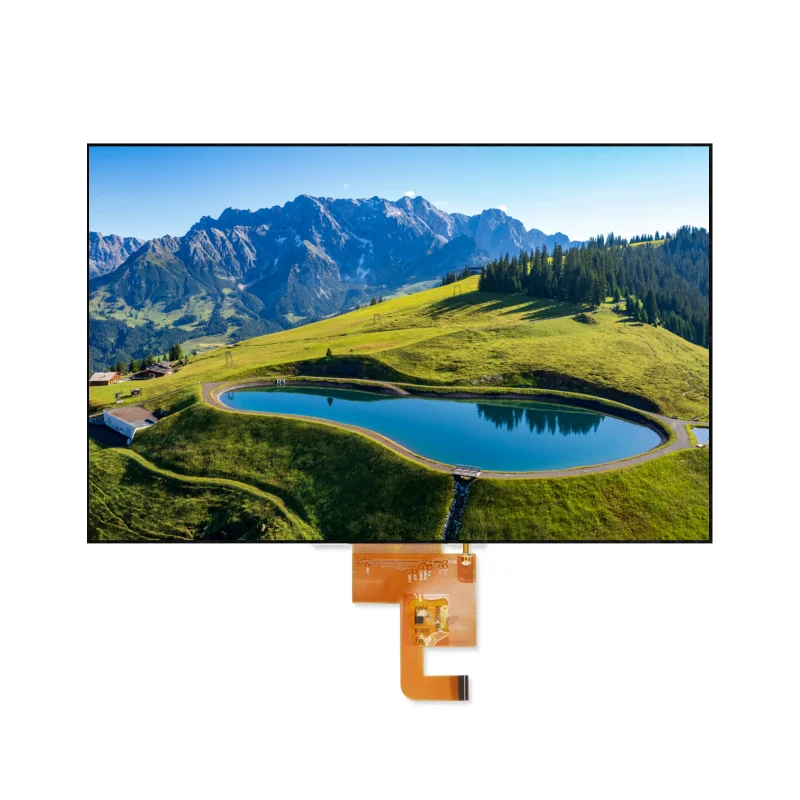
Beyond the Datasheet: A Practical Guide to TFT Selection
In the embedded systems industry, selecting a display is often where projects stall. I’ve seen countless engineers pick a screen based solely on diagonal size and price, only to discover months later that the backlight bleeds in sunlight, the driver IC isn’t supported by their MCU, or the manufacturer has discontinued the panel. A TFT (Thin Film Transistor) LCD is not a commodity part like a resistor; it is a complex optoelectronic component that dictates the user experience of your entire device.
This guide draws from years of field experience in industrial HMI, consumer electronics, and medical device design to walk you through the critical decision matrix. We will move beyond basic specifications to address the real-world factors that determine whether your product succeeds or fails in the market.
1. Define the Optical Environment First
Before looking at a single part number, ask: Where will this device live?
- Indoor vs. Outdoor: If your device sits on a factory floor near a window or operates outdoors, standard 300–400 nits brightness is insufficient. You need high-brightness panels (800 to 1,500+ nits). However, high brightness generates significant heat. Ensure your thermal management strategy can handle the backlight power dissipation, or consider transflective modes for outdoor readability without burning power.
- Viewing Angle Requirements: TN (Twisted Nematic) panels are cheap but suffer from poor viewing angles and color shift. If your users view the screen from the side (e.g., a dashboard or a handheld scanner held at an angle), you must specify IPS (In-Plane Switching) technology. While IPS costs slightly more, the consistency in color and contrast across wide angles is non-negotiable for professional applications.
- Sunlight Readability: For direct sunlight, brightness isn’t the only factor. Look for optical bonding options. Bonding the touch panel directly to the LCD with OCR (Optically Clear Resin) eliminates the air gap, reducing internal reflection and improving contrast ratio significantly in bright environments.
2. Interface Compatibility and Processor Bottlenecks
The interface is the bridge between your code and the pixels. Choosing the wrong one can cripple your system performance.
- MCU (8080/6800) Parallel: Common in mid-range STM32 applications. It offers a good balance of speed and pin count but requires a dedicated FSMC/FMC interface on the MCU.
- SPI (Serial Peripheral Interface): Ideal for small screens (under 2.4 inches) or low-pin-count MCUs. The trade-off is refresh rate. Full-screen updates can be slow, leading to visible tearing or lag if you are trying to display video or fast-moving graphics.
- RGB Parallel: Necessary for larger screens (4.3” and up) requiring high frame rates (60fps). This interface consumes many GPIOs and often requires an external SDRAM buffer if your MCU lacks sufficient internal RAM.
- MIPI DSI: The standard for high-resolution, modern Android/Linux-based systems. It offers high bandwidth with fewer pins but requires a complex driver stack and specific hardware support in your SoC.
- LVDS/eDP: Typically found in larger industrial panels (7” to 15”). These require a serializer/deserializer pair and are robust against noise over longer cable distances.
Pro Tip: Always check the timing requirements (H-sync, V-sync, pixel clock) against your MCU’s capabilities early in the schematic phase. I’ve had to redesign PCBs because the chosen screen required a pixel clock speed the MCU couldn’t generate stably.
3. Mechanical Constraints and Integration
The mechanical envelope is often tighter than the electrical one.
- Active Area vs. Outline Dimensions: Don’t just look at the diagonal size. A 5-inch screen from Vendor A might have a completely different bezel size and mounting hole pattern than Vendor B. If your enclosure is already molded, you are locked into specific outline dimensions.
- Connector Type and Orientation: Is the FPC (Flexible Printed Circuit) connector on the bottom, top, or side? Is it a ZIF (Zero Insertion Force) or soldered? The pin pitch (0.5mm vs. 0.4mm) matters for your PCB layout capabilities. Changing the connector orientation late in the design cycle often requires a complete PCB spin.
- Touch Panel Integration: Are you adding capacitive (PCAP) or resistive touch? PCAP is standard for modern UIs but requires calibration and can be noisy in electrically harsh environments. Resistive is better for gloved operation or high-noise industrial settings but lacks multi-touch. Decide if you need a bonded assembly (LCD + Touch as one unit) or separate components. Bonded units reduce assembly steps and improve optical clarity but increase the minimum order quantity (MOQ) and lead time.
4. Driver IC Availability and Software Support
Hardware is only half the battle. The ecosystem around the display driver IC (DDIC) is crucial.
- Driver Longevity: Avoid obscure or newly released driver ICs unless you have the resources to write and debug your own drivers from scratch. Stick to established families (e.g., Ilitek, Sitronix, Himax, Novatek) that have existing libraries for popular RTOSs and Linux kernels.
- Initialization Code: Does the vendor provide a reliable initialization sequence? Poorly documented init codes are a primary cause of “white screen” issues during prototyping.
- Color Depth: Does the module support 16-bit (RGB565) or 24-bit (RGB888)? If your MCU only supports 16-bit data buses but the screen is optimized for 24-bit, you may face color banding or wasted bandwidth.
5. Supply Chain Stability and Lifecycle Management
This is the most overlooked aspect in engineering and the most painful in production.
- Industrial vs. Consumer Grade: Consumer panels (used in toys or cheap gadgets) have lifecycles of 12–18 months. If your product is an industrial controller expected to last 10 years, you must specify “Long-Term Support” (LTS) or industrial-grade panels. Manufacturers like Jictech, AUO, Innolux, and Sharp offer specific lines guaranteed for 5–7+ years of production.
- Second Source Strategy: Never design a high-volume product around a single-source display unless absolutely necessary. Ask your distributor if there is a form-factor-compatible alternative from a different panel maker.
- PCN (Product Change Notification): Understand the vendor’s policy on changes. Will they notify you if the backlight LED supplier changes? A change in LED binning can alter the white point of your display, causing color mismatch in multi-screen deployments.
6. Cost vs. Value Analysis
While price is always a factor, the “cheapest” screen often carries hidden costs:
- Higher failure rates in the field.
- Increased engineering hours debugging timing issues.
- Obsolescence risks forcing a redesign two years later.
- Poor uniformity requiring manual calibration during assembly.
Investing in a reputable tier-1 or tier-2 manufacturer usually pays off in reduced total cost of ownership (TCO). Request samples early and perform stress testing (thermal cycling, vibration, humidity) before committing to mass production.
Conclusion
Selecting a TFT LCD module is a balancing act between optical performance, electrical compatibility, mechanical fit, and long-term supply security. By prioritizing your environmental needs and verifying interface compatibility before falling in love with a specific part number, you mitigate the risk of costly redesigns. Remember, the display is the face of your product; its reliability and clarity define your brand’s quality in the eyes of the user. Treat the selection process with the same rigor as you would your main processor, and your path to production will be significantly smoother.
Frequently Asked Questions (FAQ)
The choice depends on your screen size and processor speed. SPI uses few pins but is slow, suitable for small screens (<2.4″) displaying static info. The 8080/MCU parallel interface is faster and common for medium screens (2.4″–4.3″) with STM32-style MCUs. RGB parallel is required for large, high-resolution screens needing video rates (60fps), but it consumes many GPIOs and often requires external RAM.
Standard indoor displays (300–500 nits) will wash out in sunlight. You need a high-brightness panel (typically >800 nits, often 1000+ for full sun). Additionally, consider optical bonding (filling the air gap between the touch sensor and LCD with resin) to reduce internal reflections, which dramatically improves contrast ratios in bright conditions.
Technically yes, but it is highly risky. Consumer panels are often discontinued within 1–2 years, and their operating temperature ranges are usually limited (0°C to 50°C). Industrial applications require panels rated for wider temperatures (-20°C to 70°C or higher) and guaranteed long-term availability (5–10 years). Using consumer grades can lead to supply shortages or field failures due to temperature extremes.
Pay close attention to three things: the pin pitch (0.4mm, 0.5mm, etc.), the contact side (gold fingers on top or bottom), and the cable exit direction (bottom, top, left, right). A mismatch here means your PCB footprint will be wrong, requiring a costly board respin. Always download the mechanical drawing and verify it against your enclosure constraints.
If you are driving a large resolution screen (e.g., 800×480 or higher) via an RGB interface at 60fps, your MCU’s internal SRAM is likely insufficient to hold a full frame buffer. In these cases, an external SDRAM (like SDR or DDR) is almost always required to store the frame buffer and ensure smooth tearing-free updates. Check your MCU’s datasheet for “LCD controller with external memory interface” support.