



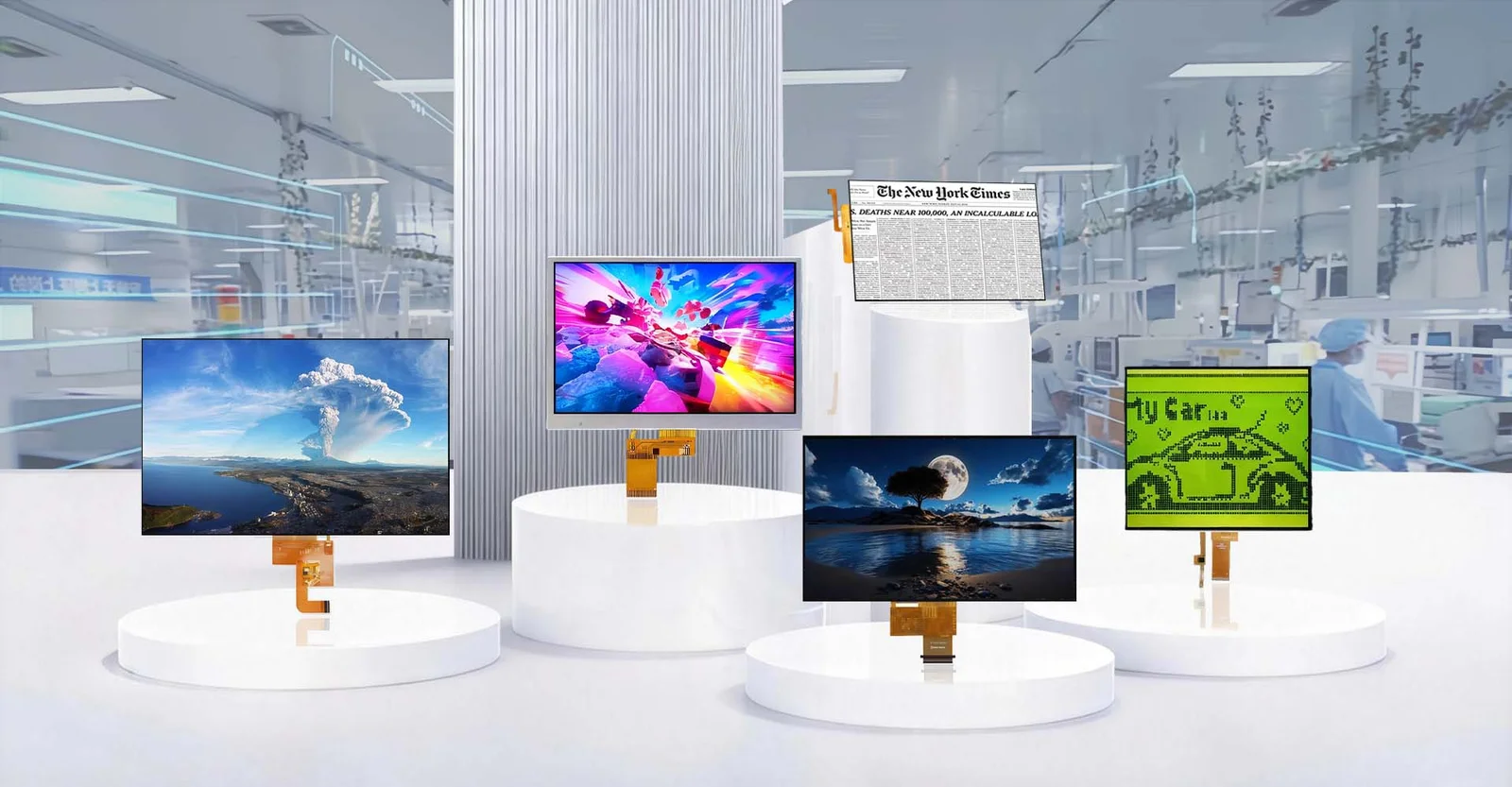

The short answer to whether OLED or TFT consumes less power is: it depends entirely on what is being displayed. If your screen displays mostly dark images, black backgrounds, or uses “Dark Mode” interfaces, OLED is significantly more power-efficient because its pixels turn off completely to produce black. However, if your screen displays bright, white-heavy content (like documents, web pages with white backgrounds, or spreadsheets), a modern TFT-LCD (specifically IPS variants with efficient LED backlights) is often more power-efficient, as OLED must light up every sub-pixel at high intensity to create white, which draws considerable current. There is no single winner; the efficiency curve crosses over based on the Average Picture Level (APL) of the content.
The Physics of Light: Why the Difference Exists
Having spent years analyzing display architectures for embedded systems and consumer electronics, I’ve seen the debate shift from “which is better” to “which fits the use case.” To understand the power dynamics, you have to look under the hood.
TFT-LCD (Thin Film Transistor Liquid Crystal Display) works like a constant floodlight. It utilizes a backlight (usually LEDs) that stays on whenever the screen is active. Liquid crystals act as shutters, twisting to block or allow light to pass through color filters. Even when displaying pure black, the backlight is still running; the crystals are just trying their hardest to block the light. This means the baseline power consumption is relatively static, regardless of whether you are looking at a black screen or a white one. The only real power savings in TFT come from dimming the entire backlight.
OLED (Organic Light-Emitting Diode), on the other hand, is emissive. Every single pixel generates its own light. There is no backlight. When an OLED pixel needs to show black, it simply turns off. Zero current, zero light, zero power. This is why OLEDs are legendary for battery life in smartphones used at night with dark themes. However, organic materials require more voltage to emit bright white light (which involves lighting up Red, Green, and Blue sub-pixels simultaneously at high intensity). As the screen gets brighter and whiter, the power draw on an OLED spikes linearly, often surpassing the constant draw of an LCD backlight.
Head-to-Head: Power Consumption Analysis
In practical testing scenarios, the crossover point usually happens when the screen is about 40-50% white (Average Picture Level). Below this threshold, OLED wins. Above it, efficient TFTs often take the lead.
| Feature | OLED (Active Matrix) | TFT-LCD (IPS/LED Backlit) |
|---|---|---|
| Black Level Power | Near Zero (Pixels off) | High (Backlight on, crystals blocking) |
| White Level Power | Very High (All sub-pixels maxed) | Moderate (Backlight constant) |
| Content Dependency | Extreme (Varies wildly by image) | Low (Varies mostly by brightness setting) |
| Efficiency at Low Brightness | Excellent | Good |
| Efficiency at Max Brightness | Poor (for white content) | Better (for white content) |
| Impact of “Dark Mode” | Massive battery savings (20-40%) | Negligible savings (<5%) |
| Static Image Power | Varies by pixel color | Constant regardless of image |
Beyond Watts: Pros and Cons in Real-World Application
While power is the headline, choosing a display technology requires balancing energy against performance, cost, and longevity.
OLED Advantages:
- Infinite Contrast: True blacks make colors pop, essential for media consumption.
- Form Factor: No backlight layer means thinner, flexible, and foldable designs.
- Response Time: Near-instant pixel switching eliminates motion blur, crucial for VR and high-end gaming.
- Viewing Angles: Color accuracy remains stable even at extreme angles.
OLED Disadvantages:
- Burn-in Risk: Static elements (like navigation bars or status icons) can degrade organic materials unevenly over time, leaving ghost images.
- PWM Flicker: Many OLEDs dim using Pulse Width Modulation, which can cause eye strain for sensitive users at low brightness.
- Cost: Manufacturing yields are lower, making large-sized OLEDs expensive.
- White Efficiency: As noted, displaying bright white documents drains batteries faster than LCDs.
TFT-LCD Advantages:
- Longevity: No organic decay means no burn-in; ideal for dashboards, monitors, and signage with static UIs.
- Peak Brightness: Generally easier and cheaper to push LCDs to 1000+ nits for outdoor visibility without excessive power penalties.
- Cost-Effectiveness: Mature supply chains make TFTs the budget king, especially for larger sizes.
- Eye Comfort: Many modern TFTs use DC dimming, avoiding the flicker issues common in OLEDs.
TFT-LCD Disadvantages:
- Blooming: Light leaks around bright objects on dark backgrounds due to the global backlight.
- Thickness: The backlight unit adds bulk, preventing the ultra-slim profiles of OLEDs.
- Contrast Ratio: Limited by the inability to fully block the backlight, resulting in “grayish” blacks.
How to Choose: A Selection Guide for Engineers and Buyers
When I consult on hardware selection, I don’t just look at the datasheet; I look at the user journey. Here is my framework for selection:
- Analyze the User Interface (UI):
- Is the app/device primarily text-heavy with white backgrounds (e.g., e-readers, office tablets, medical monitoring)? Go with TFT-LCD. The power penalty of OLED on white will kill your battery life.
- Is the content media-rich, dark-themed, or interactive with varied colors (e.g., streaming devices, smartwatches, gaming phones)? Go with OLED. The ability to turn off pixels will extend usage time significantly.
- Consider the Environment:
- For outdoor industrial use or direct sunlight applications where high brightness (800+ nits) is mandatory for long periods, TFT-LCD is often more robust and thermally manageable.
- For indoor consumer electronics where aesthetics and contrast matter more than raw nit output, OLED provides the premium feel users expect.
- Lifecycle and Burn-in:
- If the device will display static logos, navigation menus, or HUDs for thousands of hours (e.g., car dashboards, airport information screens), TFT-LCD is the safer bet to avoid warranty claims related to burn-in.
- If the content is dynamic and changes frequently, OLED is safe and superior.
- Budget Constraints:
- If Bill of Materials (BOM) cost is the primary driver, especially for screens larger than 6 inches, TFT-LCD remains the undisputed champion.
Final Thoughts
The narrative that “OLED is always more efficient” is a myth born from early smartphone marketing focusing on dark mode. In the professional realm, we know that efficiency is a function of content. If you are building a device for reading white papers all day, a high-quality IPS TFT will outlast an OLED. If you are building a cinematic tablet or a stylish smartwatch, OLED’s per-pixel lighting offers unmatched efficiency y visual fidelity. The right choice isn’t about the technology being “better”; it’s about the technology matching the workload.
Frequently Asked Questions (FAQ)
No. Dark Mode significantly saves battery only on devices with OLED screens because it turns off individual pixels to create black. On TFT-LCD screens, the backlight remains on regardless of the pixel color, so Dark Mode offers negligible power savings, though it may reduce eye strain.
Generally, TFT-LCDs hold an advantage here. They can achieve higher sustained peak brightness levels with less heat generation and power consumption compared to OLEDs when displaying full-screen white content (like a map or webpage). While high-end OLEDs are catching up, TFTs remain more efficient for prolonged high-brightness usage.
It cannot be completely prevented as it is a physical degradation of organic materials, but it can be managed. Modern OLEDs use pixel shifting, logo dimming, and refresh rate adjustments to mitigate the risk. However, for applications with 24/7 static imagery, TFT-LCD is still the recommended choice to eliminate the risk entirely.
To create white, an OLED panel must light up the Red, Green, and Blue sub-pixels within every pixel simultaneously at high intensity. Since there is no shared backlight, the electrical current required scales directly with the number of lit pixels. A full white screen means 100% of the sub-pixels are drawing maximum current, leading to a power spike that often exceeds the constant draw of an LCD backlight.
For simple, static interfaces (like a thermostat or a basic meter), a reflective LCD or a low-power TFT segment display is usually superior. OLEDs are overkill for static text and carry a higher risk of burn-in if the interface never changes. Additionally, the constant voltage drive of simple LCDs can be more predictable for ultra-low-power sleep/wake cycles than the complex driving schemes of active matrix OLEDs.