





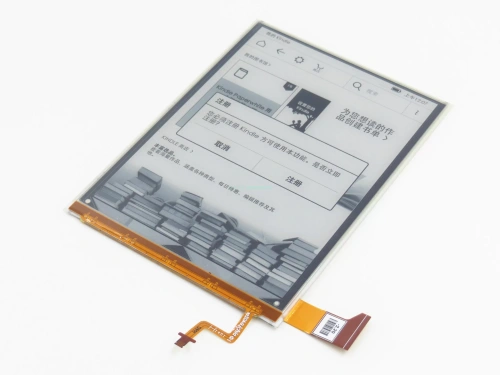

What Is E-Ink Display Technology?
E-ink display technology is a type of electronic paper (E-Paper) display that uses electrically charged particles to create text and images, offering ultra-low power consumption and paper-like readability.
Unlike LCD or OLED displays, E-ink displays are reflective rather than emissive, making them ideal for applications requiring long battery life and sunlight readability.
What Is an E-Paper Display? (E-Ink Display Overview)
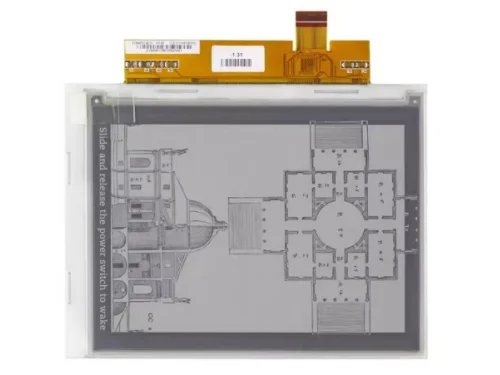
An E-paper display, also known as an electronic paper display, is a non-backlit screen technology designed to visually replicate ink on paper.
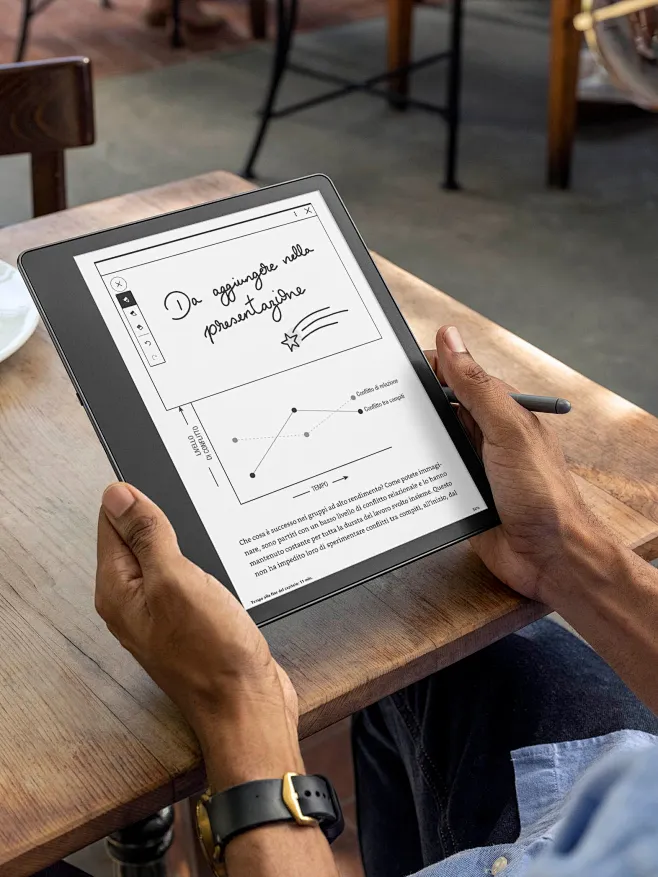
E-ink displays maintain images without continuous power, making them widely used in e-readers, electronic shelf labels (ESL), industrial instruments, and IoT devices.
How Does E-Ink Display Technology Work?
E-ink displays work based on electrophoretic display (EPD) technology.
Working Principle
- Each pixel contains microcapsules filled with:
- Positively charged white particles
- Negatively charged black particles
- Applying an electric field moves particles to the surface
- Once displayed, the image remains without power
This bistable characteristic is the foundation of E-ink’s ultra-low power consumption.
Advantages and Disadvantages of E-Ink Displays
| Feature | Advantages of E-Ink Displays | Limitations |
|---|---|---|
| Power Consumption | Extremely low, power only on refresh | Not suitable for video |
| Readability | Excellent under sunlight | Lower contrast than OLED |
| Eye Comfort | No blue light, no flicker | Limited color performance |
| Image Retention | Content stays without power | Possible ghosting |
| Lifespan | Long service life | Slow refresh speed |
When Should You Choose an E-Ink Display?
Choose an E-ink display when:
- Content is mostly static or semi-static
- Battery life is critical
- Device is used outdoors
- Power supply is limited
- Long-term information display is required
Avoid E-ink displays for:
- High-frame-rate UI
- Video or animation-heavy content
How to Select the Right E-Ink Display Module
Key selection factors include:
- Display size & resolution
- Monochrome or color E-ink display
- Refresh speed
- Operating temperature
- Interface (SPI / MCU / SoC)
- Touch panel or front-light support
Common Types of E-Ink Displays
E-Ink Display Type Comparison
| E-Ink Type | Description | Typical Applications |
|---|---|---|
| Monochrome E-Ink | Black & white | ESL, meters, e-readers |
| Grayscale E-Ink | Multiple gray levels | Medical devices |
| Color E-Ink (CFA) | Color filter array | E-readers, signage |
| ACeP E-Ink | Full-color pigment | Advertising displays |
| Flexible E-Ink | Plastic substrate | Wearables, smart cards |
Applications of E-Ink Display Technology
E-ink displays are widely used in:
- Electronic shelf labels (ESL)
- Smart home devices
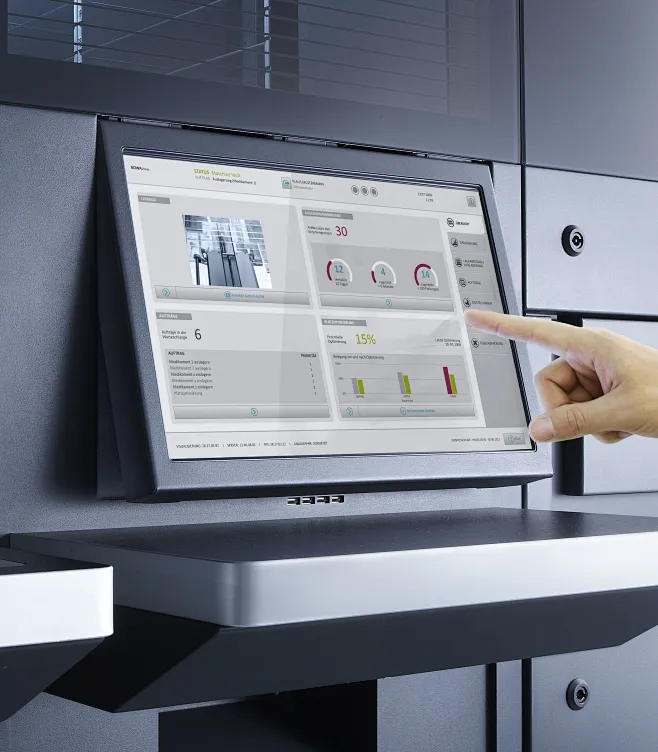
- Industrial control panels
- Medical instruments
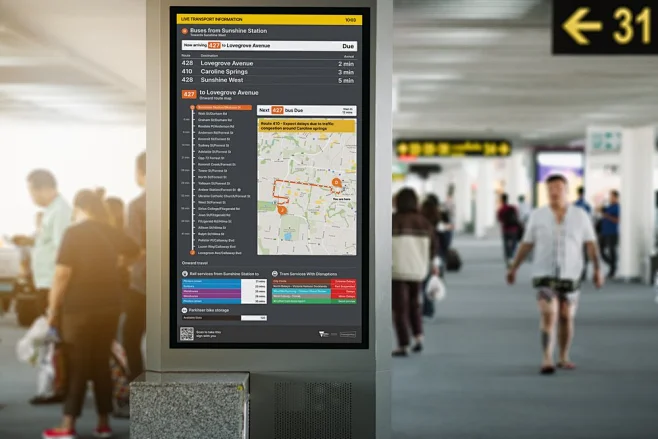
- Transportation signage
- Logistics & asset tracking
- Education devices
Future Trends of E-Ink Display Technology
Future development focuses on:
- Faster refresh E-ink panels
- Improved color saturation
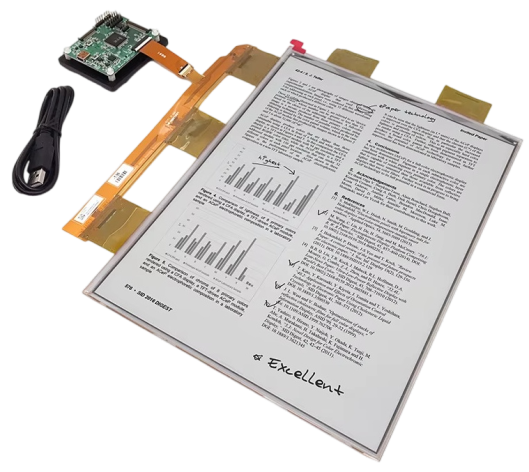
- Large-size E-paper displays
- Flexible and foldable E-ink
- Ultra-low-power IoT integration
Conclusion
E-ink display technology is a highly efficient solution for low-power, high-readability, long-life display applications.
While it cannot replace LCD or OLED in dynamic content, E-ink remains the best choice for static information display in industrial, commercial, and IoT environments.
FAQ – E-Ink Display Technology
Q1: What is the difference between E-ink and LCD?
A: E-ink is reflective and ultra-low power, while LCD requires backlight and continuous power.
Q2: Can E-ink displays be used outdoors?
A: Yes, E-ink performs exceptionally well under direct sunlight.
Q3: Are color E-ink displays suitable for commercial products?
A: Yes, especially for signage, labels, and advertising.
Q4: How long does an E-ink display last?
A: Typically 5–10 years depending on usage.
Q5: Can E-ink displays support touch panels?
A: Yes, capacitive and resistive touch options are available.